

REGISTRATION
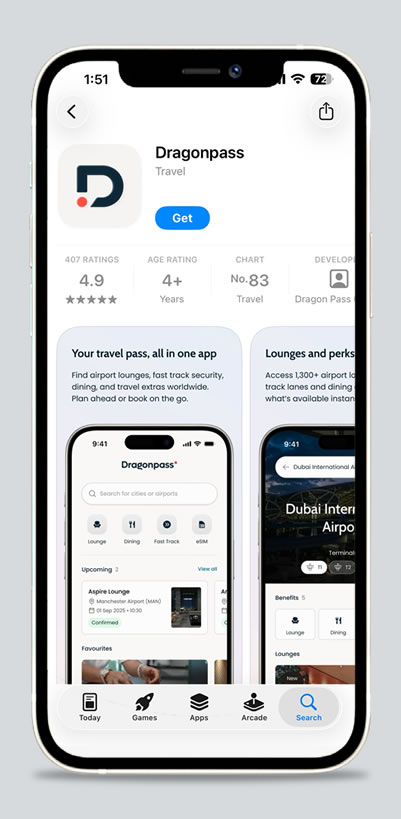
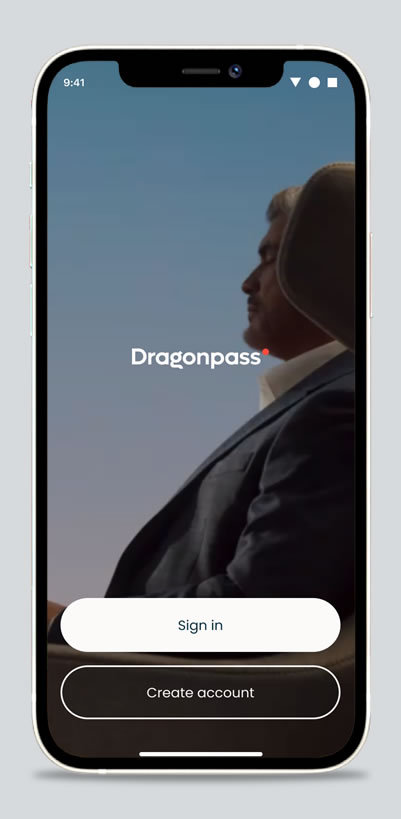
- Download "Dragonpass" application from App Store or Google Play
- Then, open "Dragonpass" application
- Choose "Create Account"
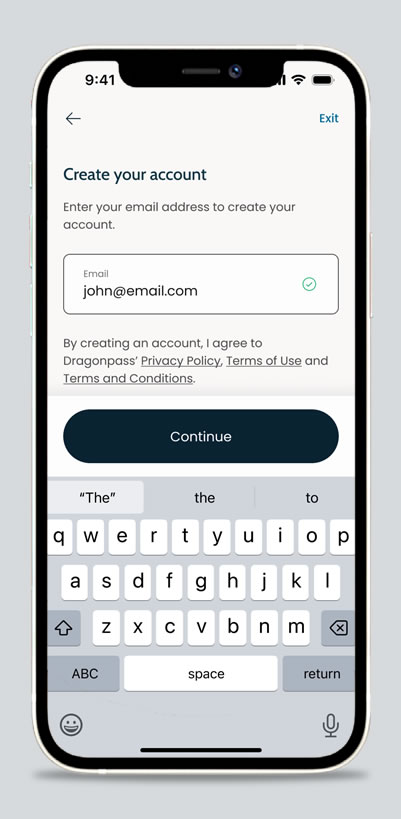
- Enter email and choose "Continue"
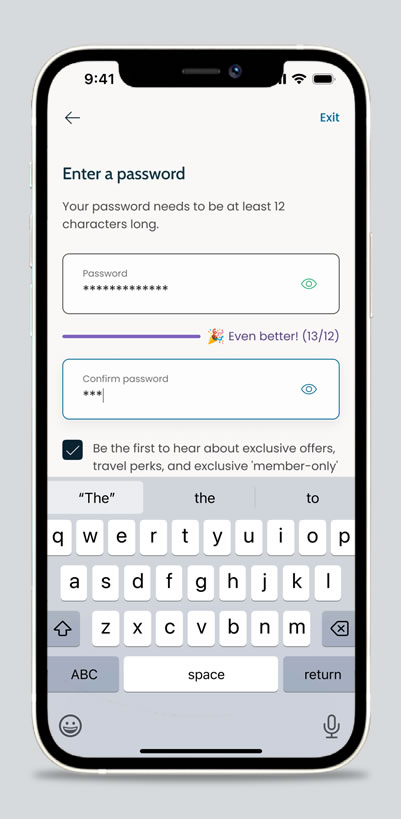
- Enter password and confirm password
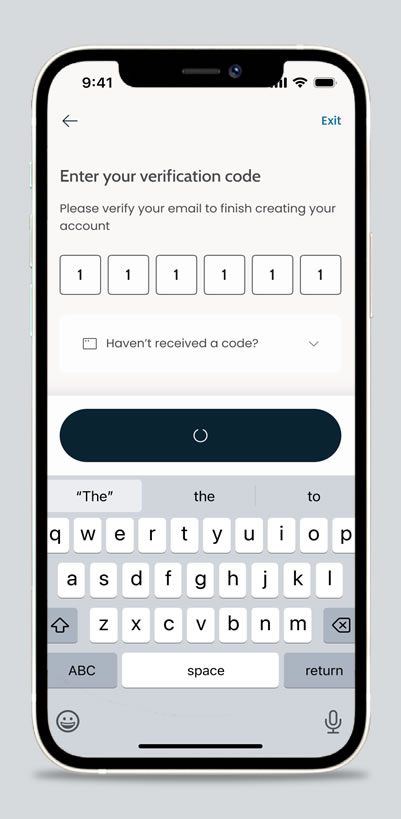
- Enter verification code sent to your email
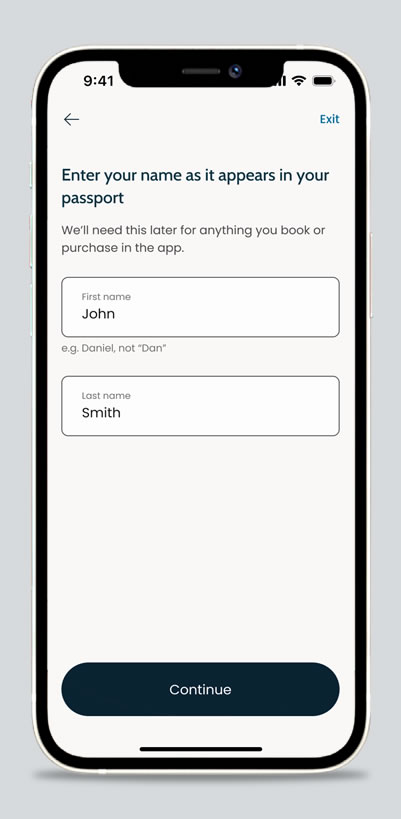
- Enter your name as it appears in your passport
- Press "Continue"
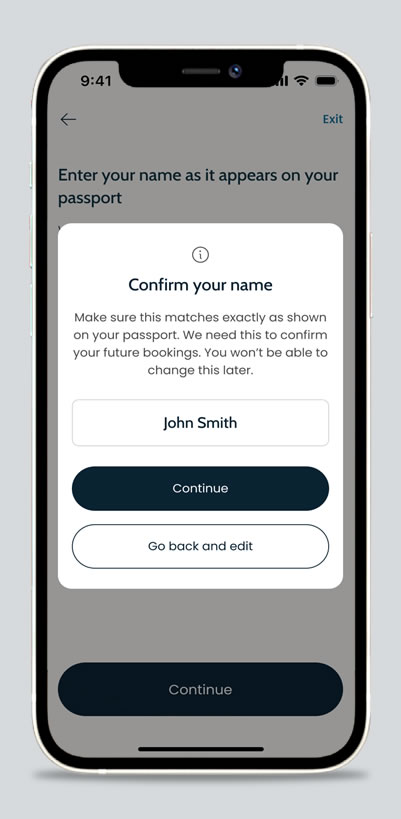
- Confirm your name and press "Continue"
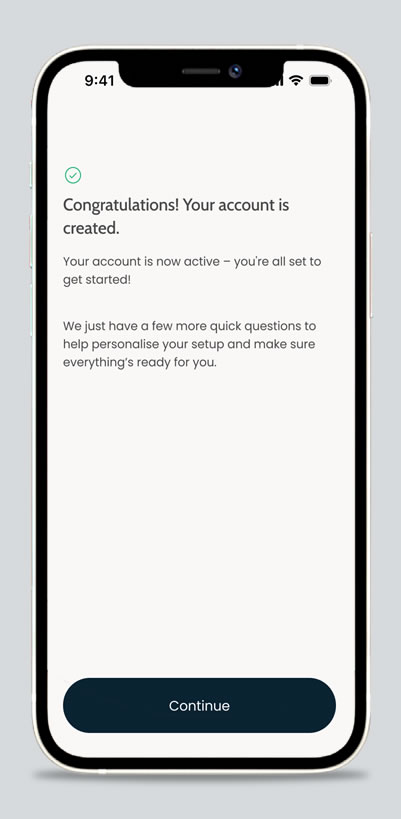
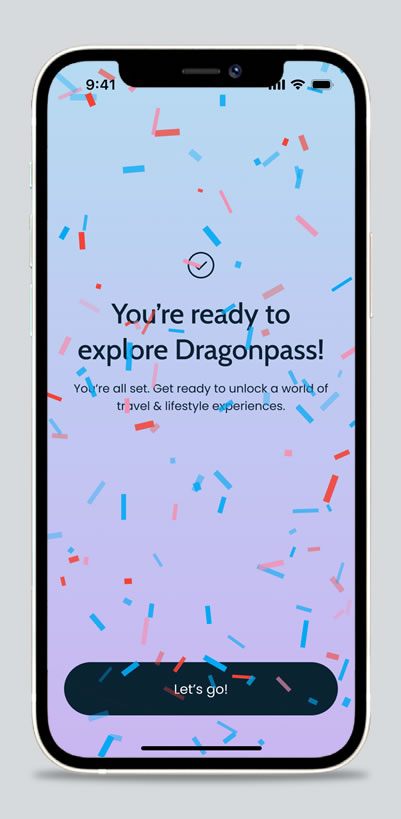
- Your account is created. Please press "Continue" to activate membership.
MEMBERSHIP ACTIVATION
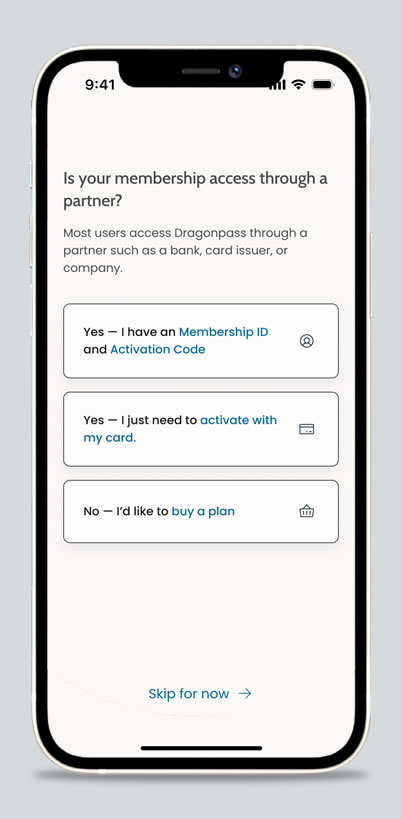
- After registration:
- Select "Yes - I just need to activate with my card"
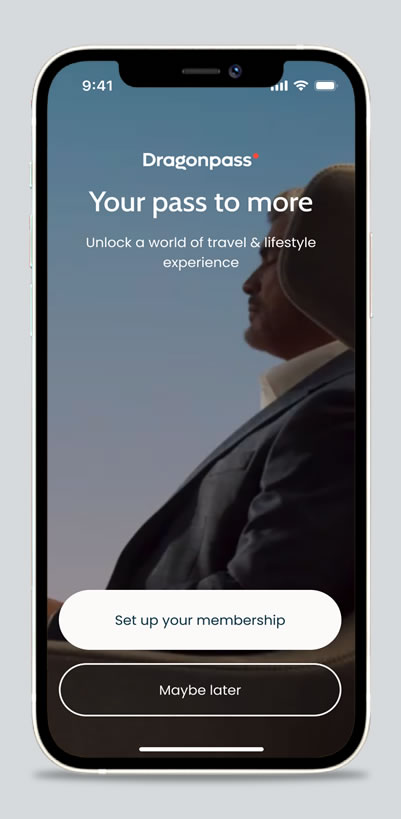
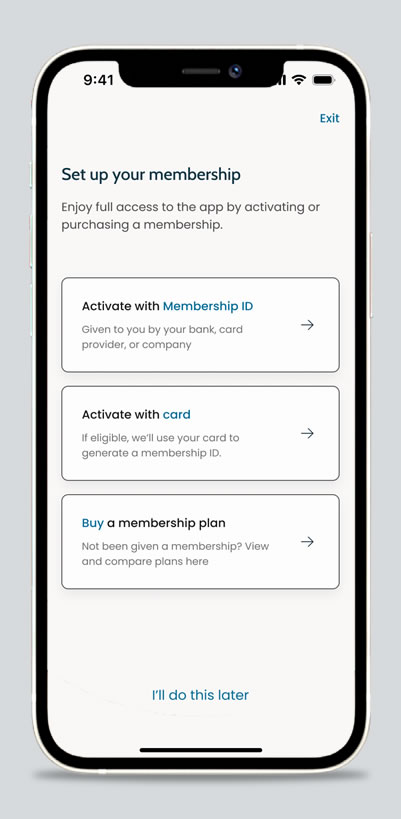
- Choose "Set up your membership"
- From home screen: Choose "Activate with card"
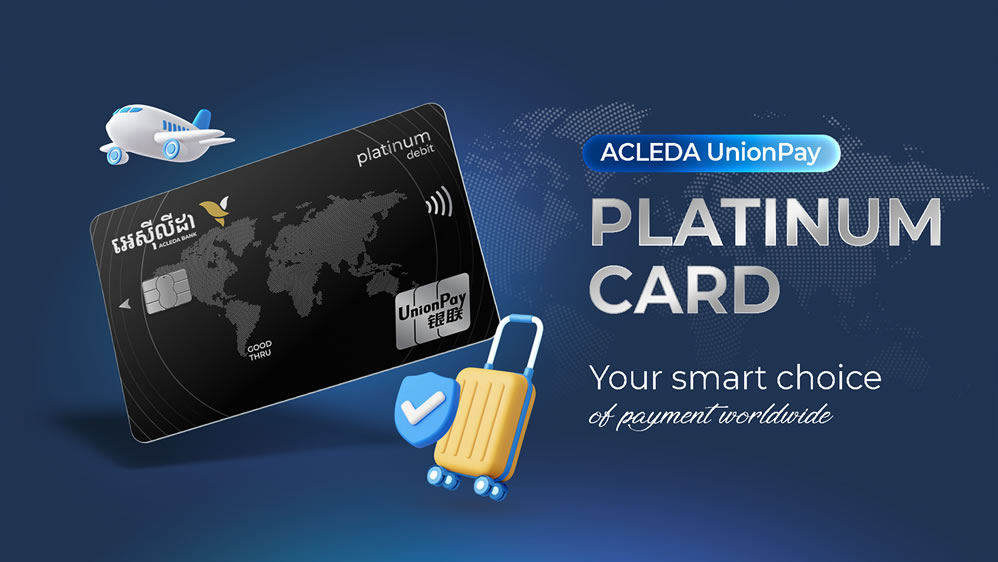
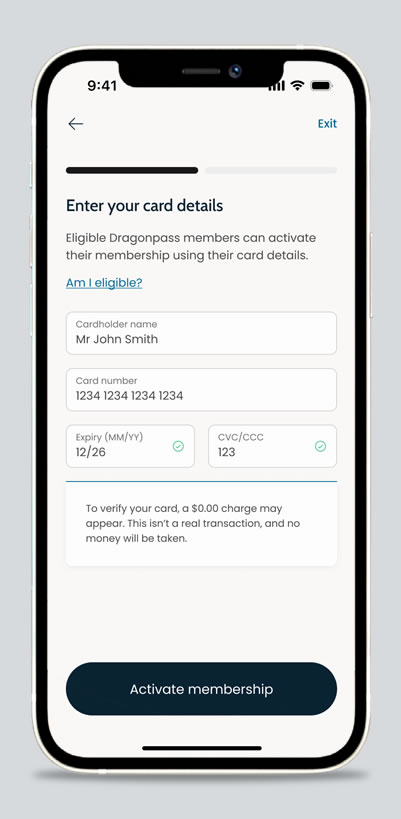
- Enter your card details:
- Cardholder name
- Card number
- Expiry Date and CVV number
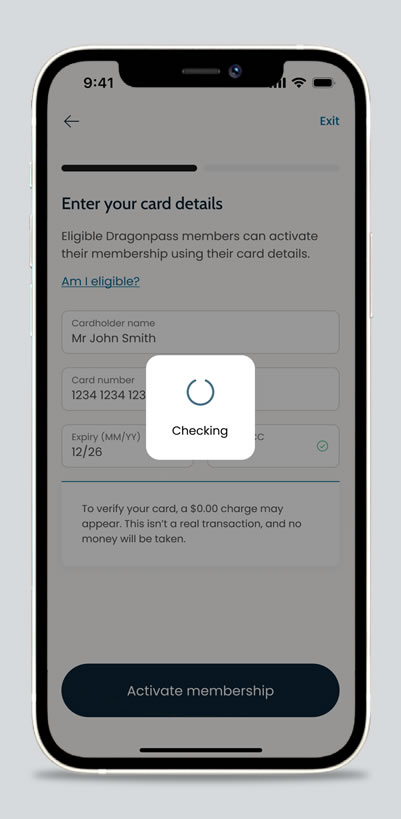
- Choose "Activate membership".
ACCESS A LOUNGE
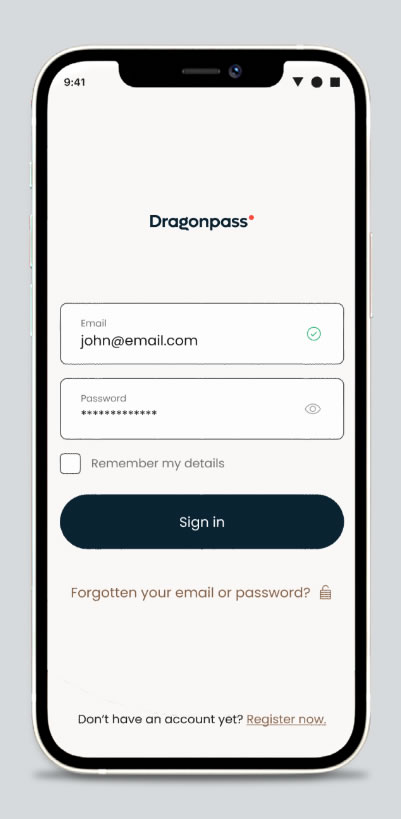
- Open Dragonpass application and press "Sign in"
- Enter email and password to sign in
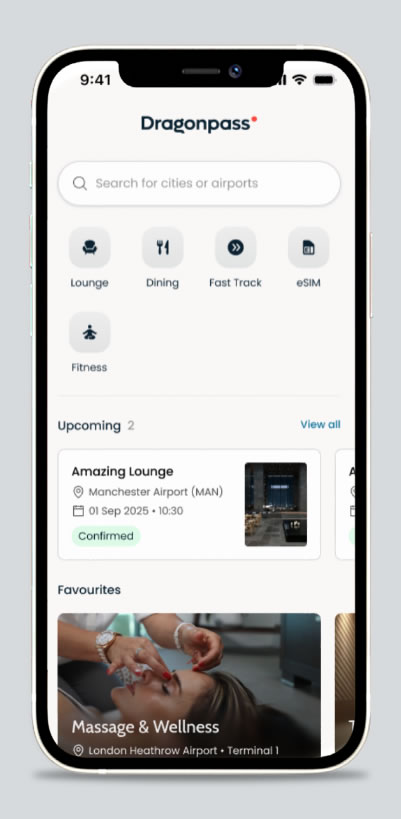
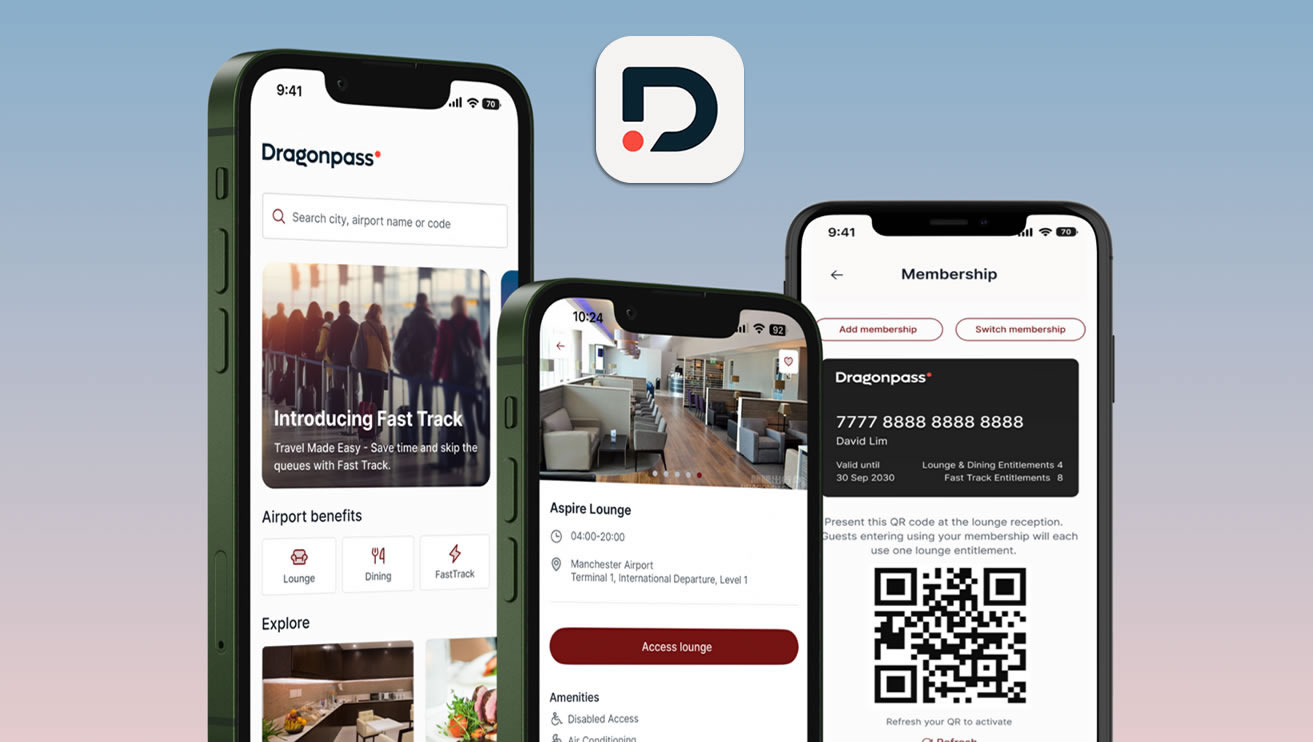
- Choose "Lounge" icon
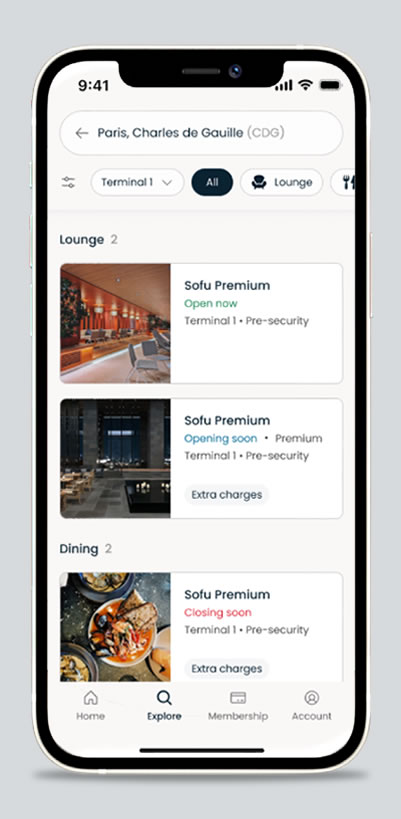
- See the list of available Lounges and select the required one
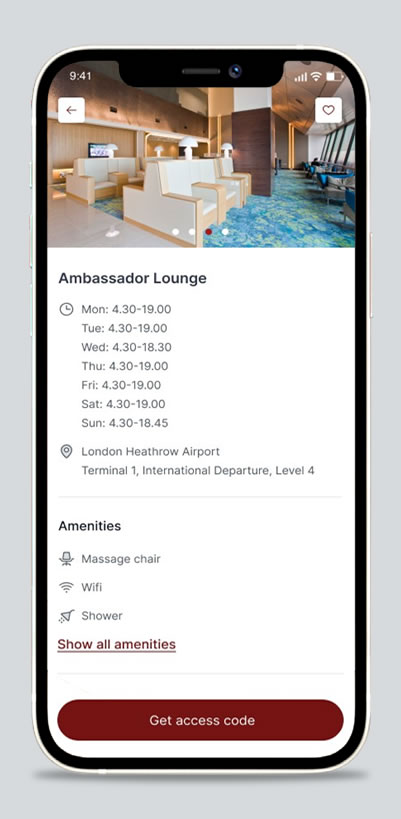
- View more details and click "Get access code"
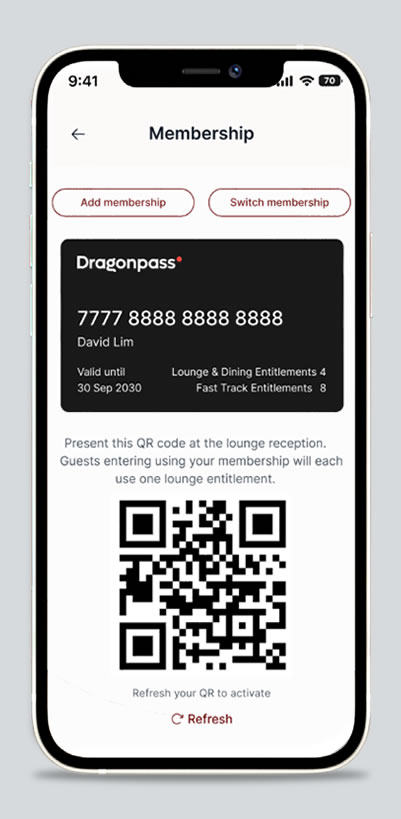
- Present QR code to the lounge staff or swipe your card for validation.