


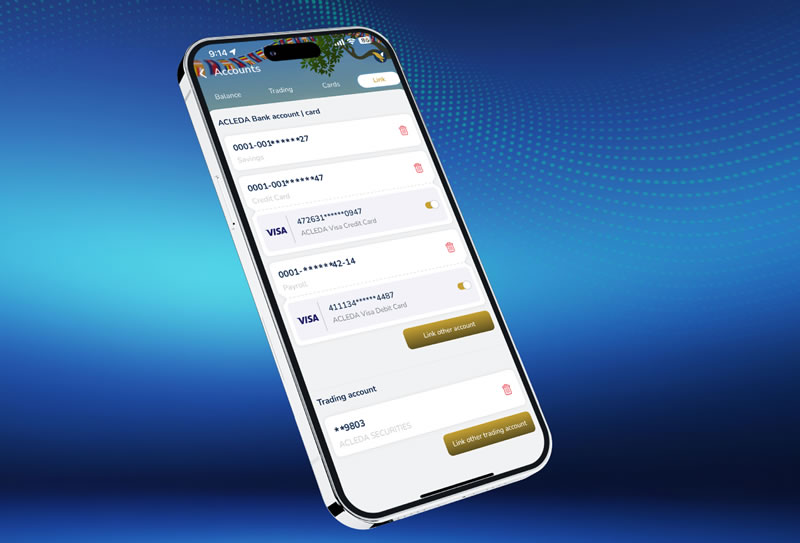
How to delink account
|
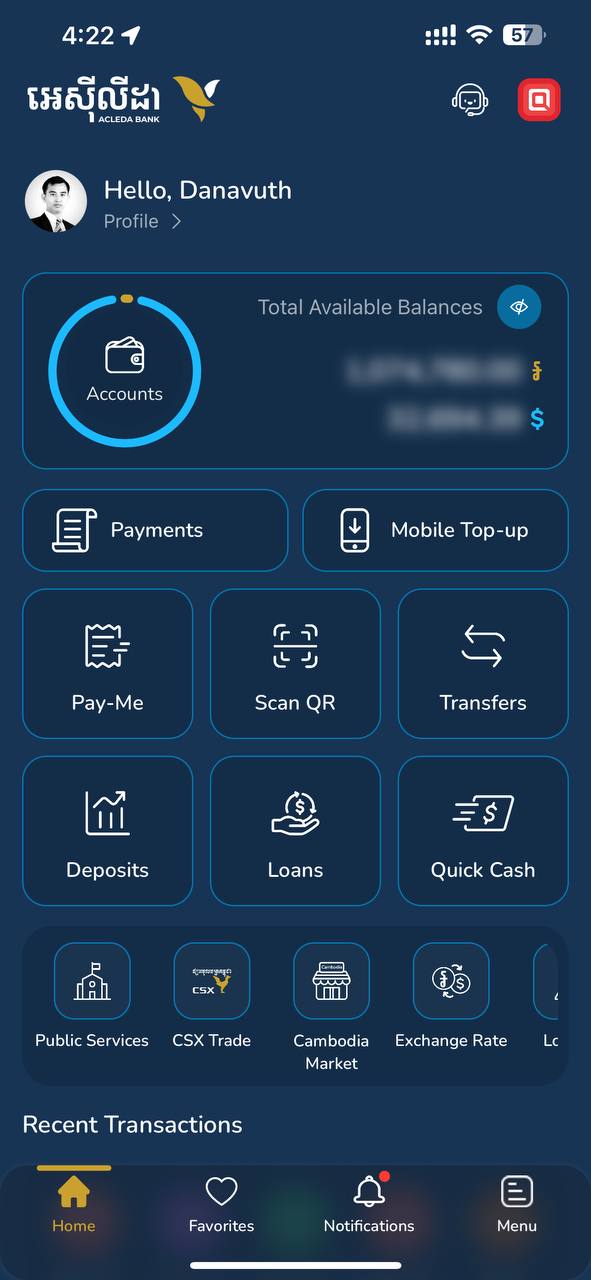 |
| 2. Use Touch ID, Facial, or enter PIN to login | 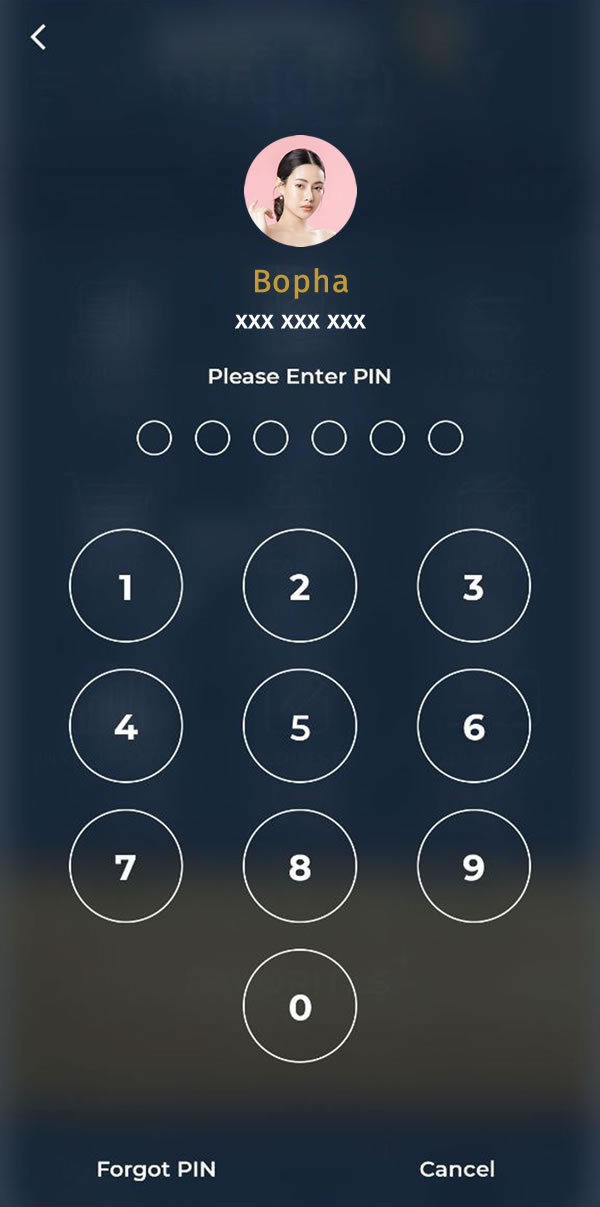 |
| 3. Choose three dots sign more_horiz near the account | 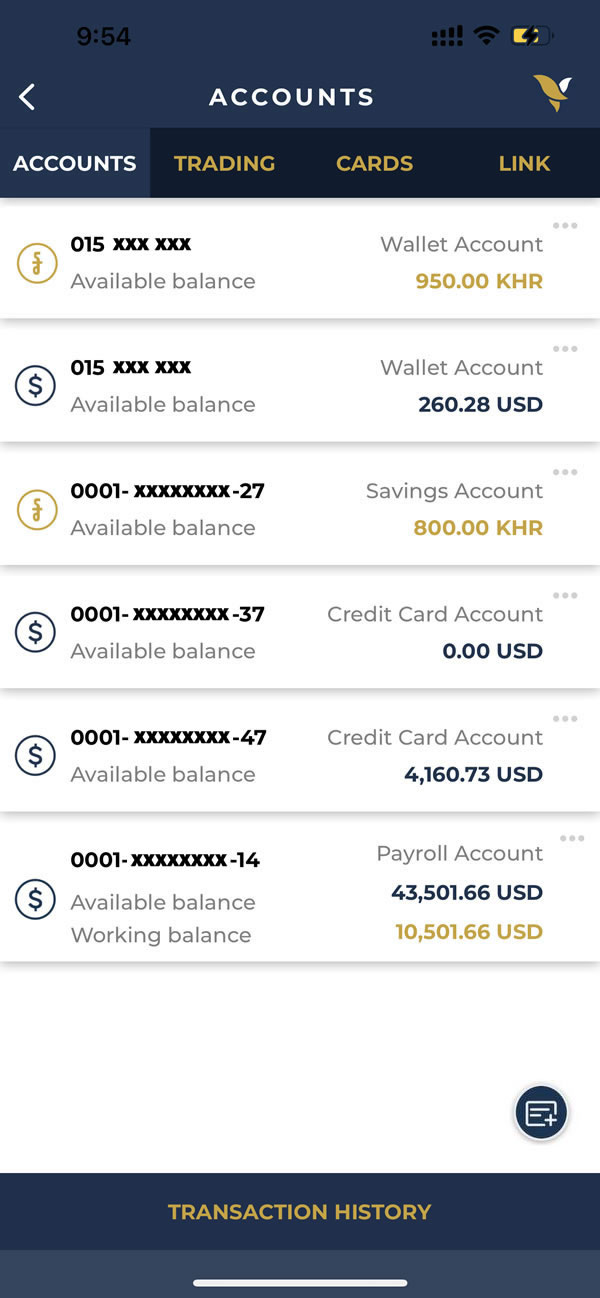 |
| 4. Choose "Delink account" | 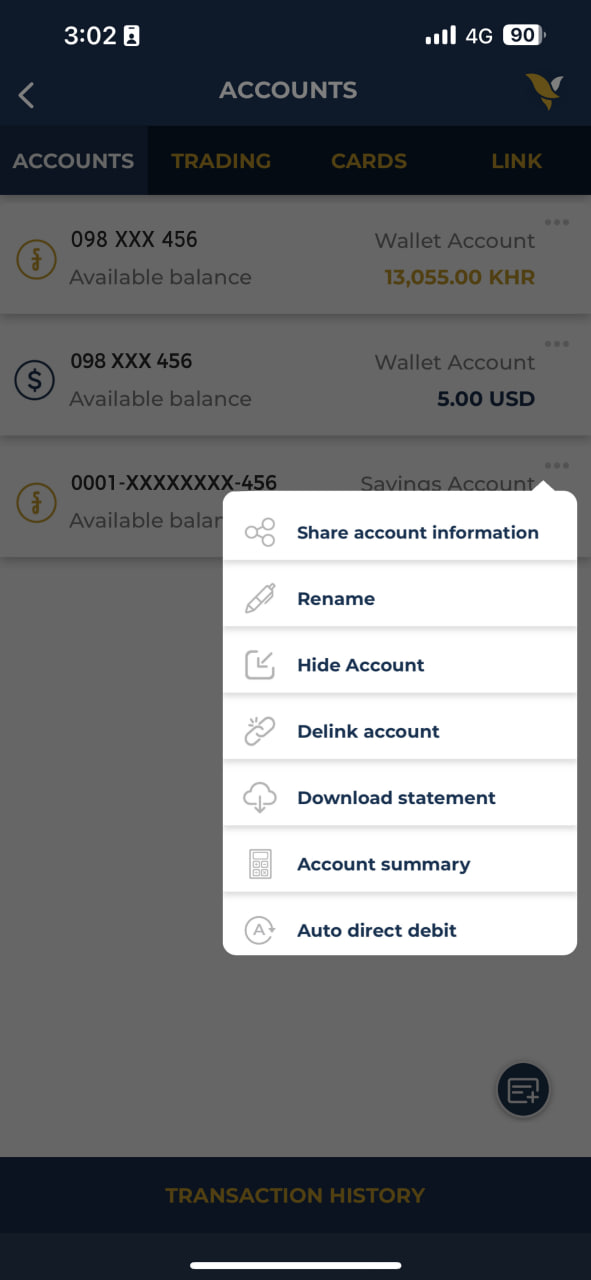 |
| 5. Choose "YES" | 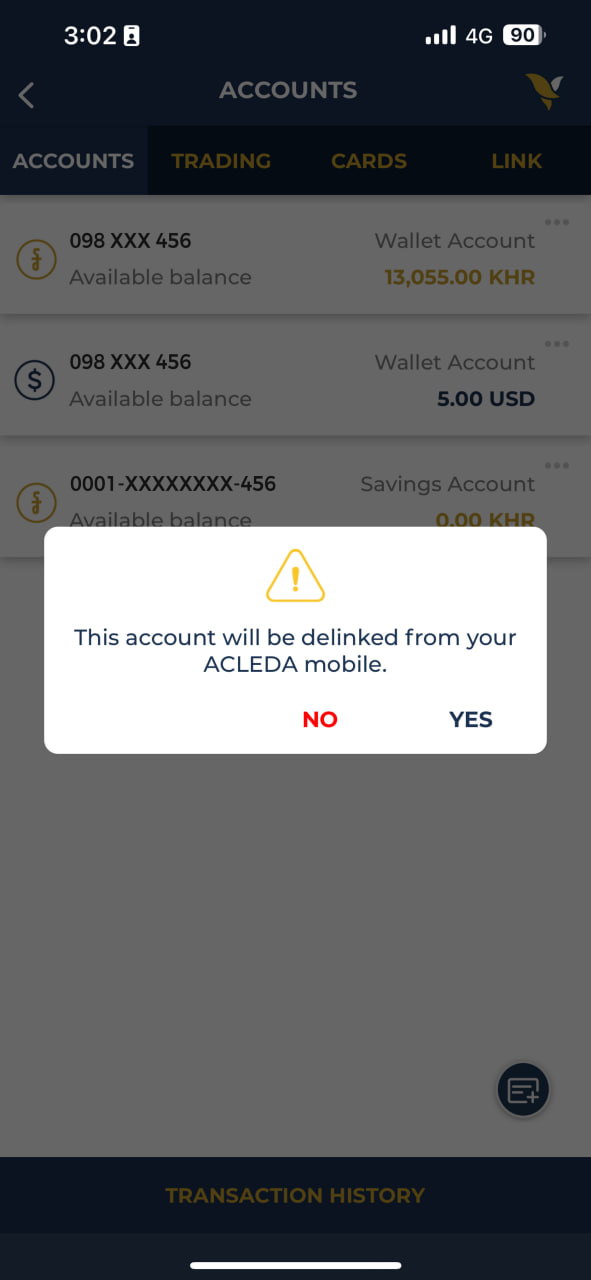 |
|
|
| 2. Use Touch ID, Facial, or enter PIN to login | |
| 3. Choose three dots sign more_horiz near the account | |
| 4. Choose "Delink account" | |
| 5. Choose "YES" | |