share
close
close

Share this page on:


Facebook

LinkedIn

Twitter

Telegram

Line

How to edit information of bank account opening

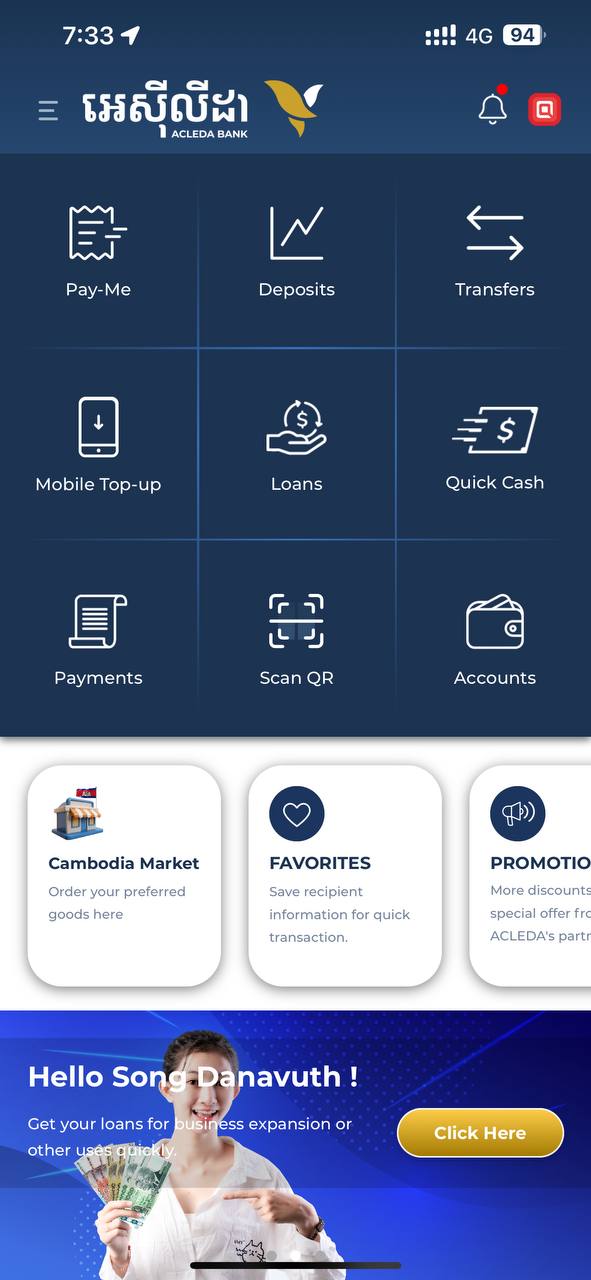
  1. 1.1. Open "ACLEDA mobile" app
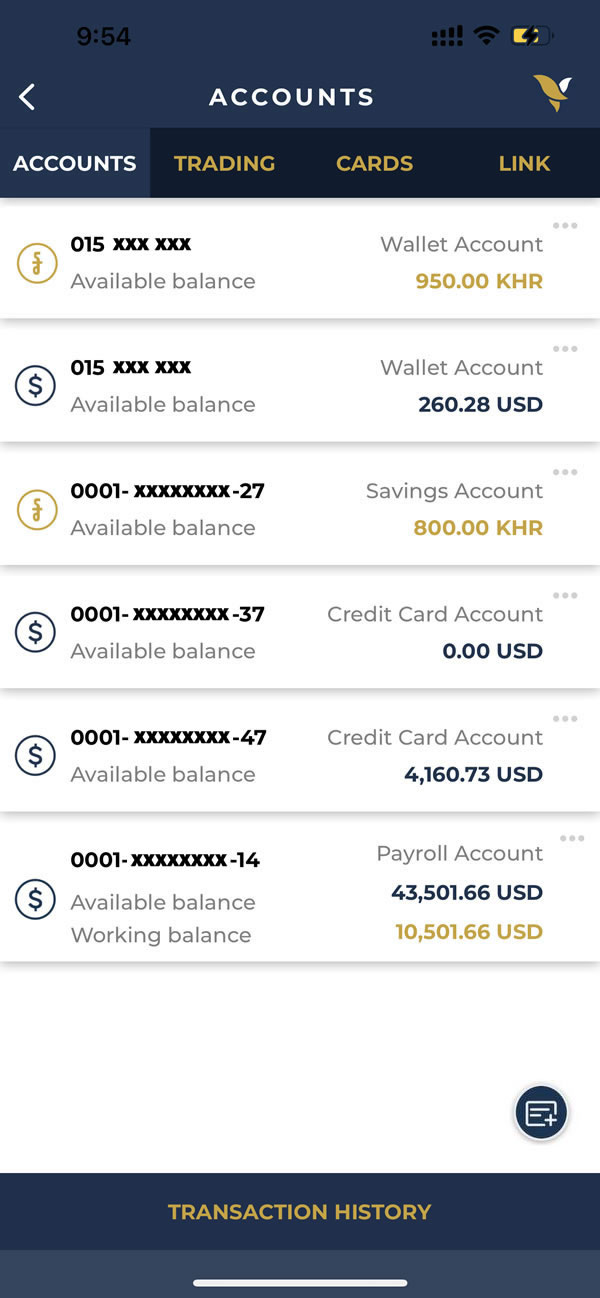
  2. 1.2. Select "Accounts" menu
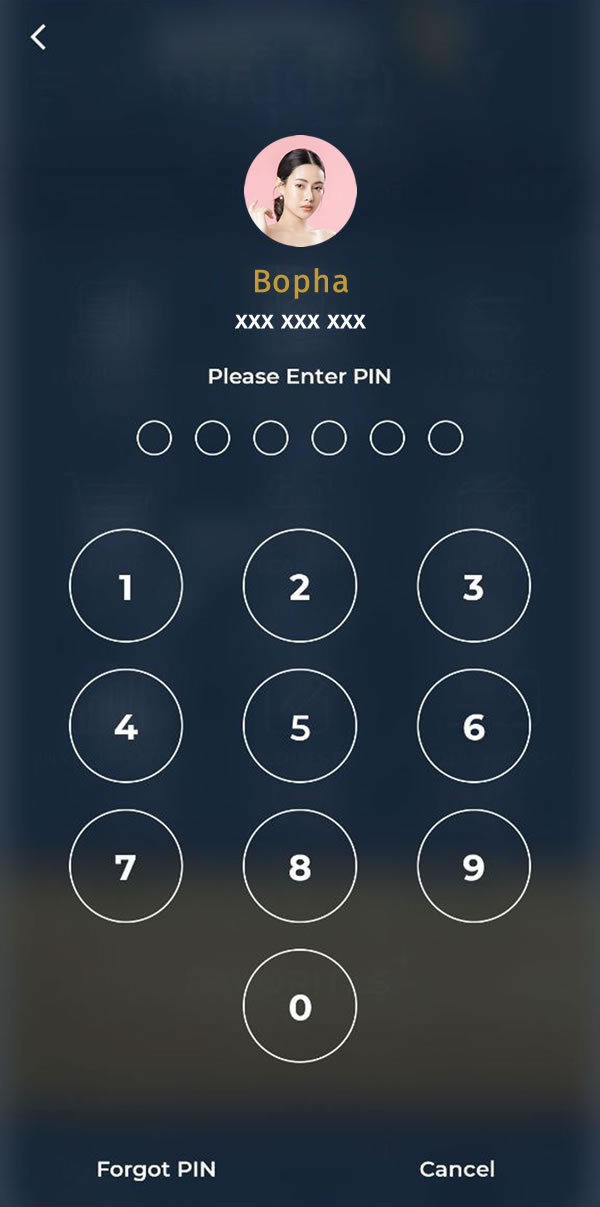
2. Use Touch ID, Facial, or enter PIN to login
3. Select "Plus Sign" in the lower right corner
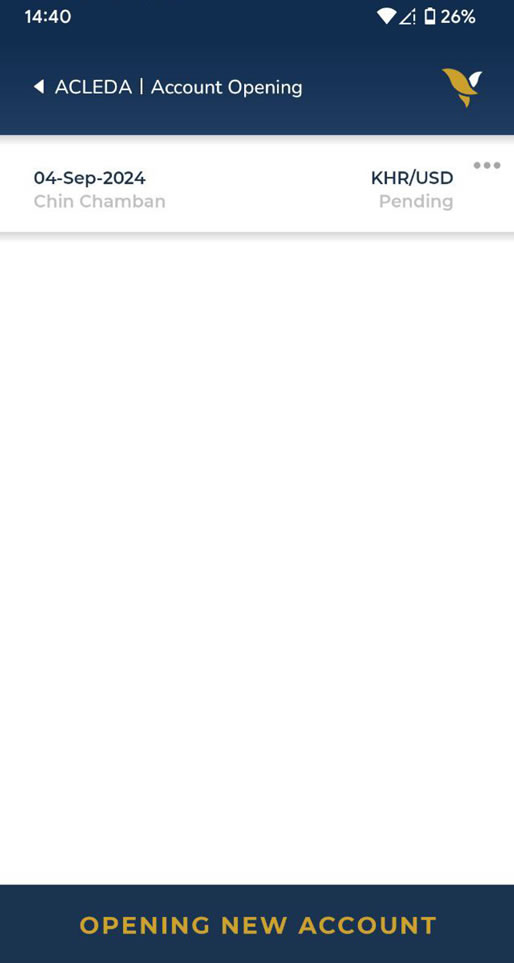
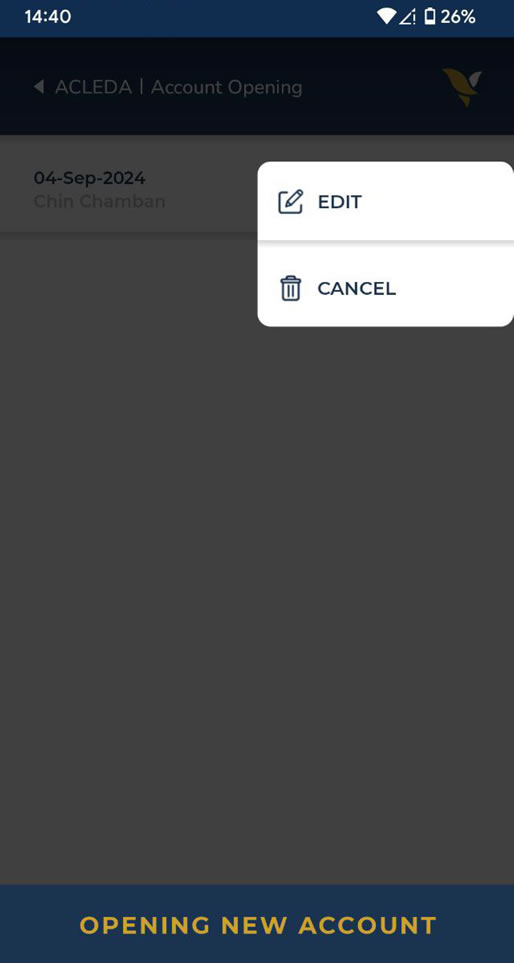
4. Choose three dots sign more_horiz near the account opening information
5. Choose "Edit"
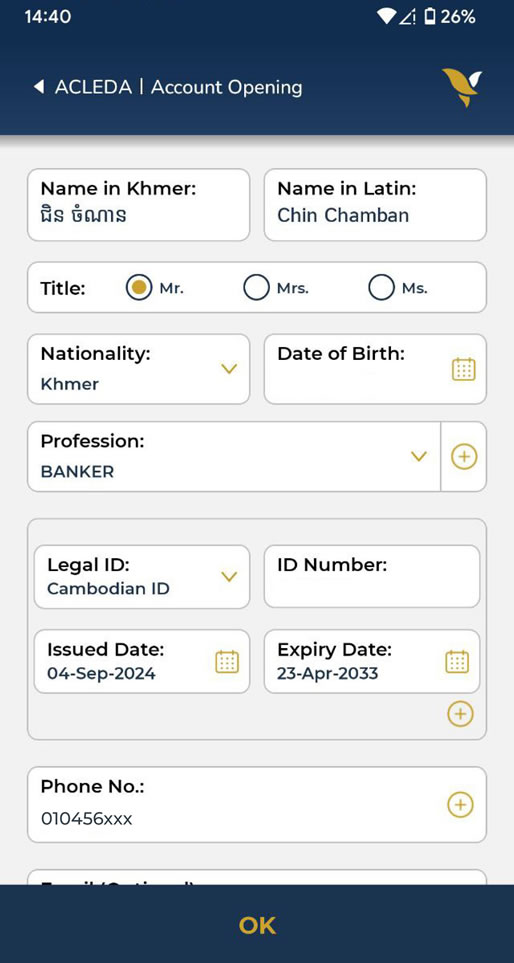
  1. 6.1. Please edit your information correctly
  2. 6.2. Choose "OK" button
  3. To activate your account, please bring the valid supported documents to the nearest branch