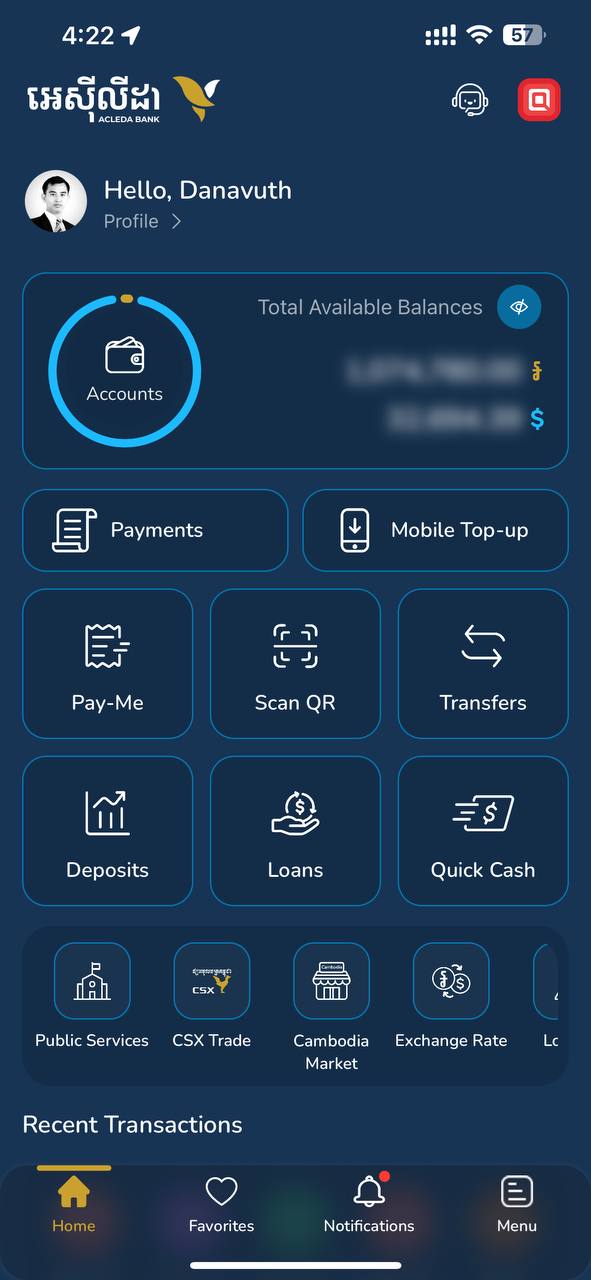
- 1.1. Open "ACLEDA mobile" super app
- 1.2. Select "Payments" menu
- How to change themes
|
 |
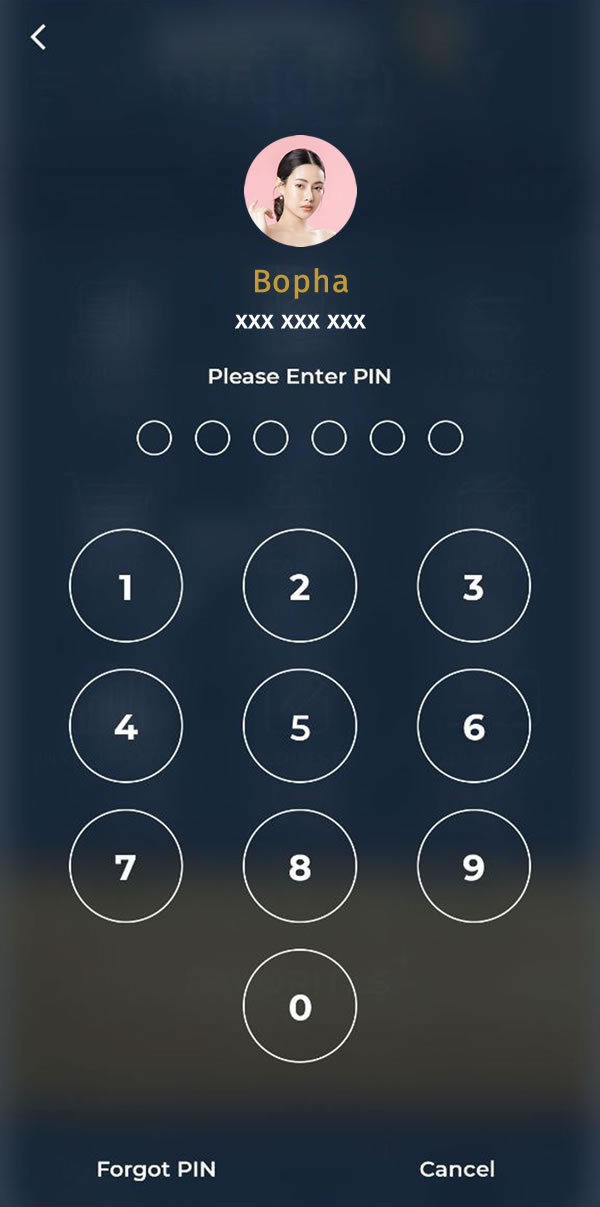
| 2. Use Touch ID, Facial, or enter PIN to login |
 |
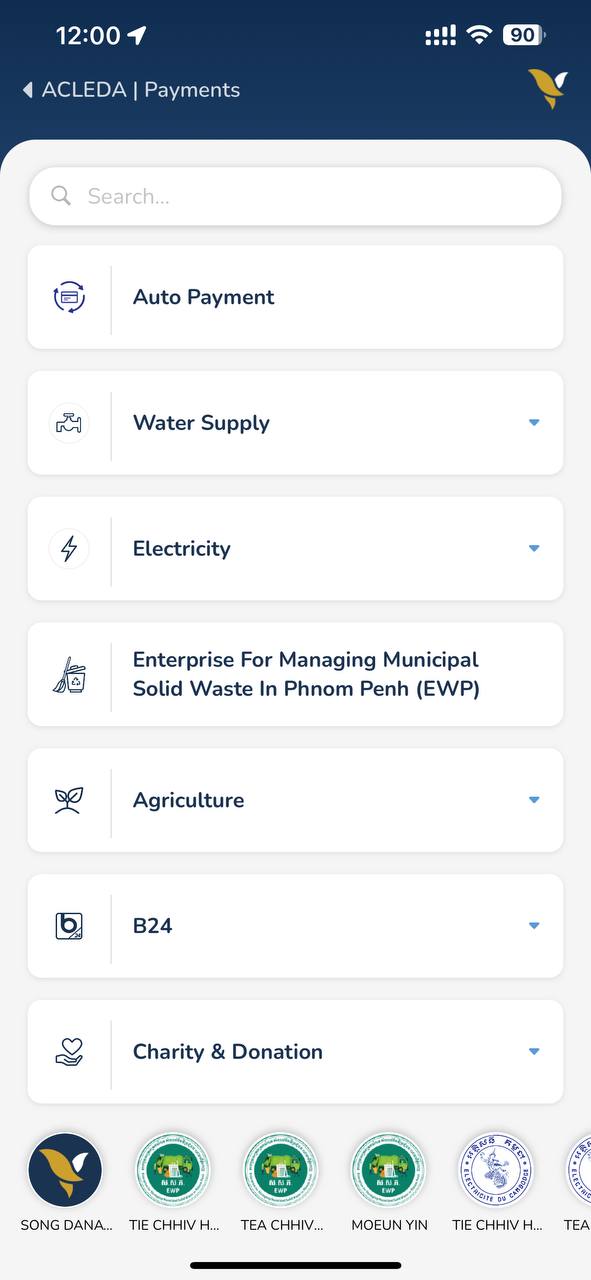
| 3. Select "Electricity" menu |
 |
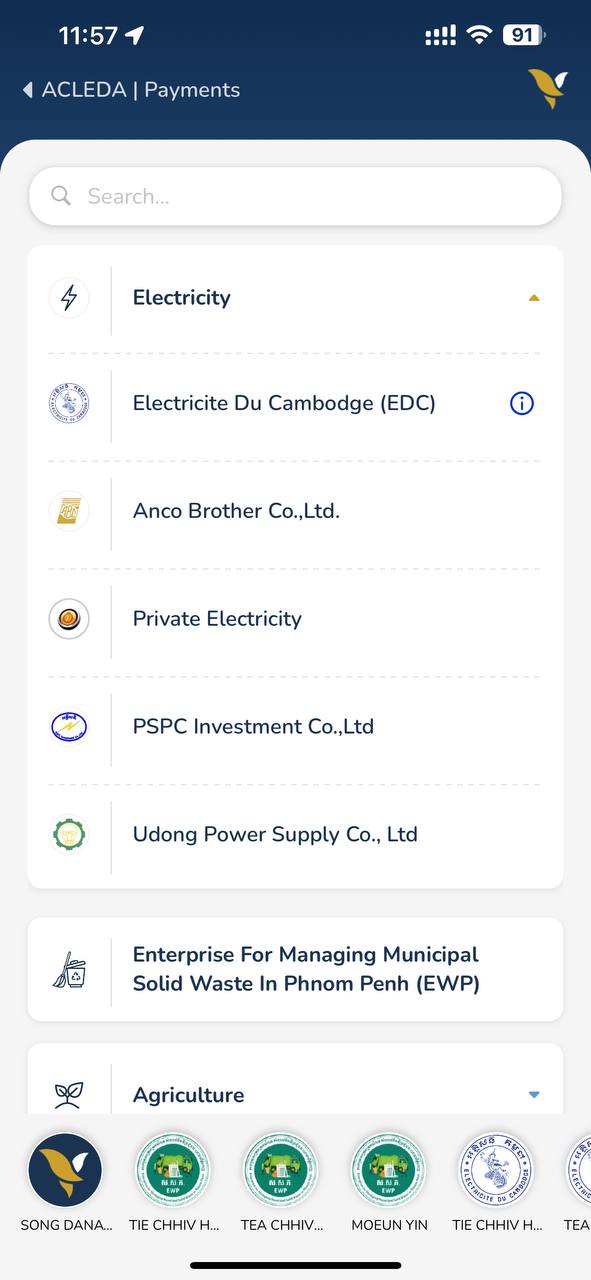
| 4. Select electricity company |
 |
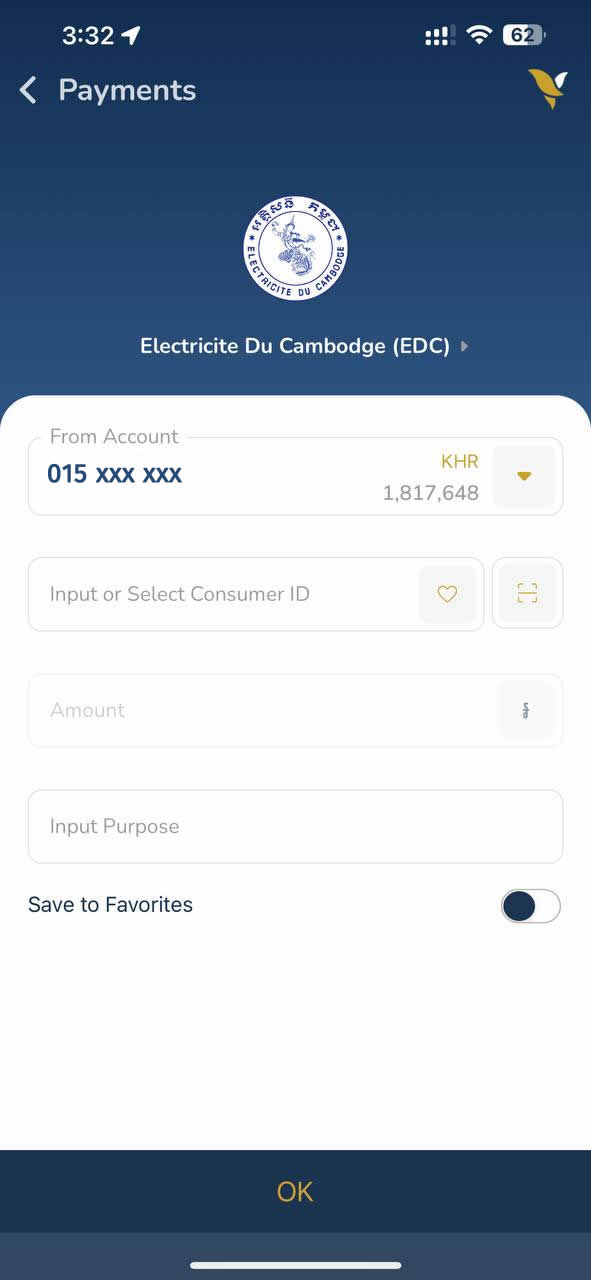
- 5.1. Enter payment information (select debit account, enter consumer id, & payment amount)
- 5.2. Choose "OK" button
- For EDC, you can also choose scan icon to scan barcode on the invoice. Payment amount will be displayed automatically.
|
 |
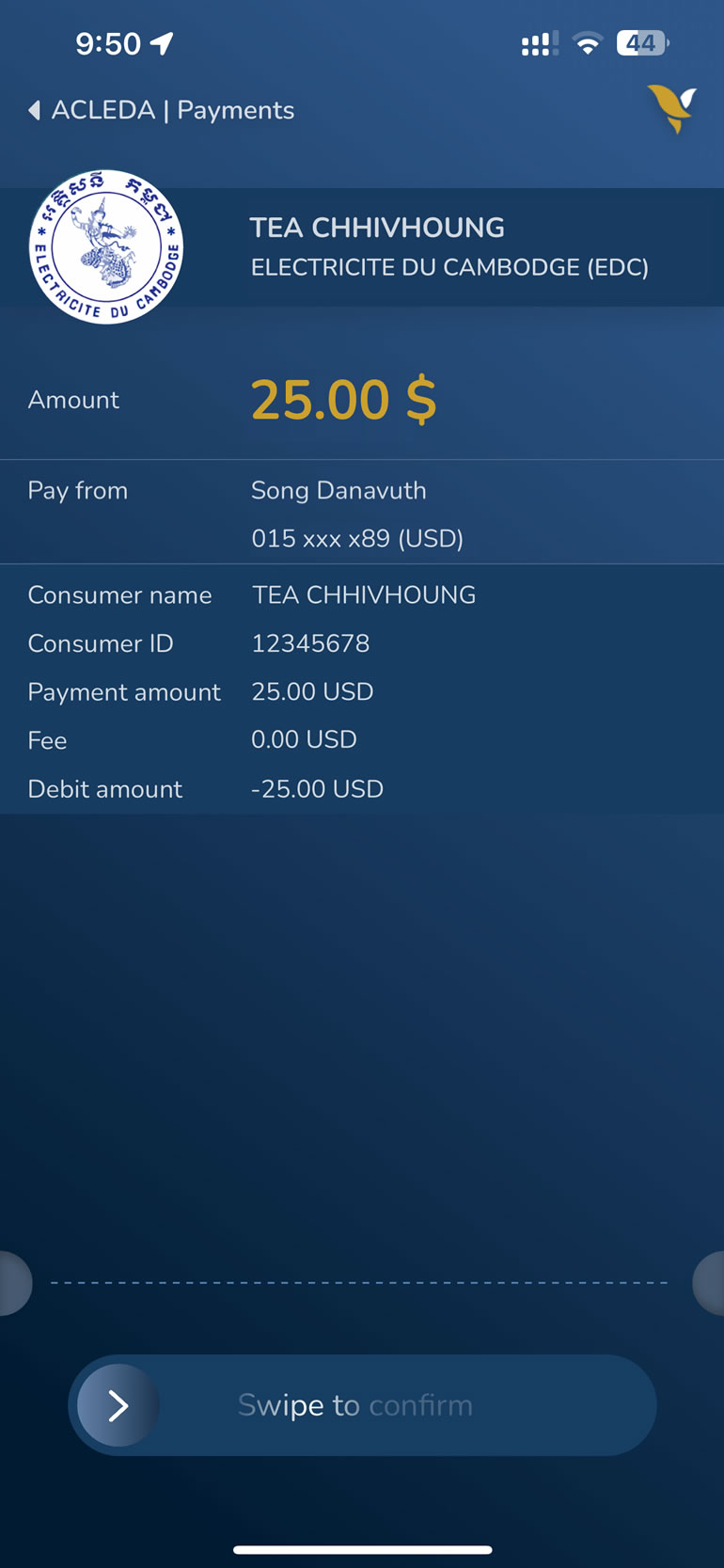
- 6.1. Verify payment information
- 6.2. Choose "CONFIRM" button
|
 |
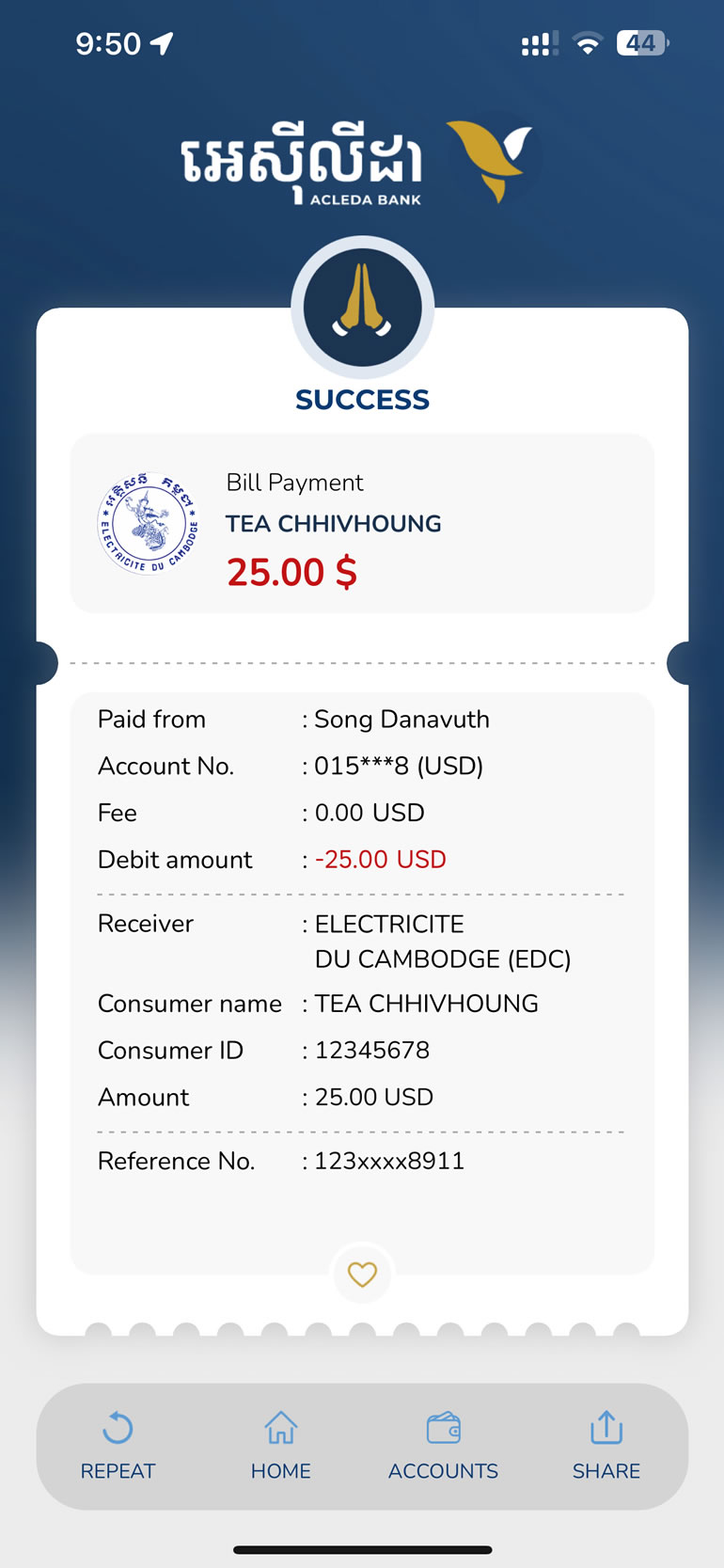
| 7. Payment was completed |
 |


