share
close
close

Share this page on:


Facebook

LinkedIn

Twitter

Telegram

Line

How to repay for financial bill

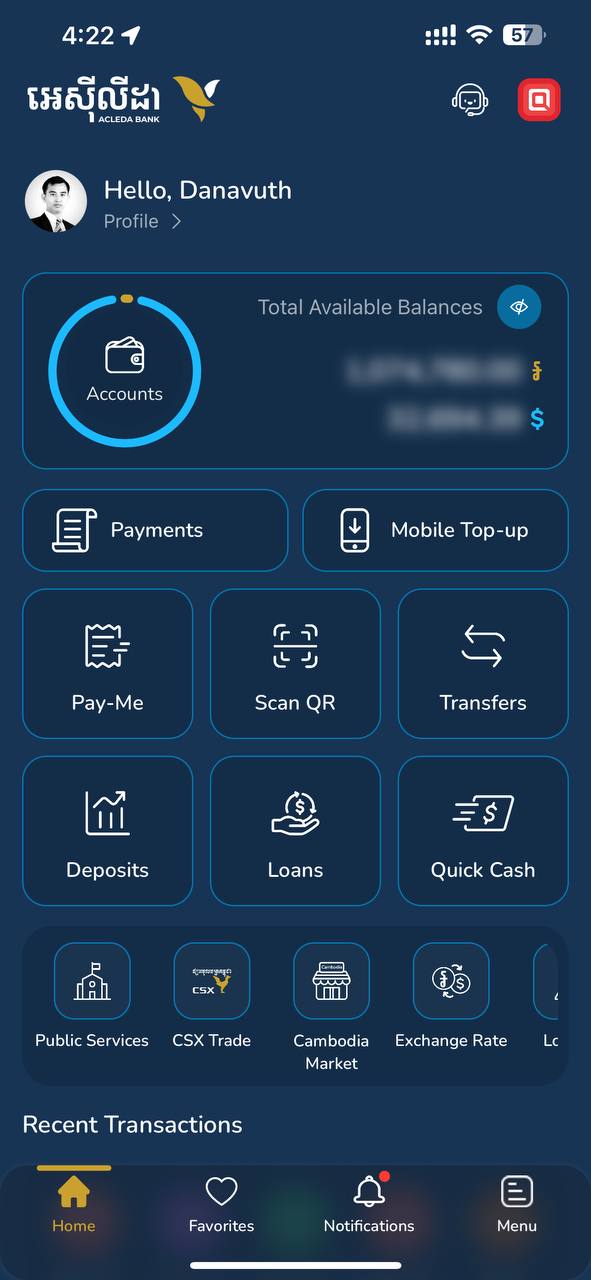
  1. 1. Open "ACLEDA mobile" super app
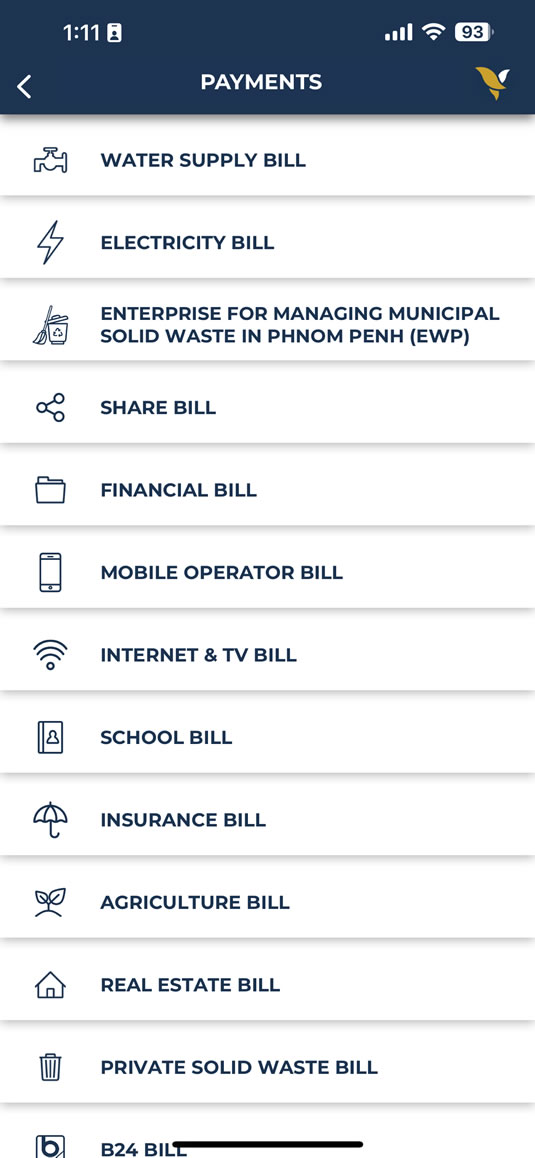
  2. 2. Select "PAYMENTS" menu
  3. How to change themes
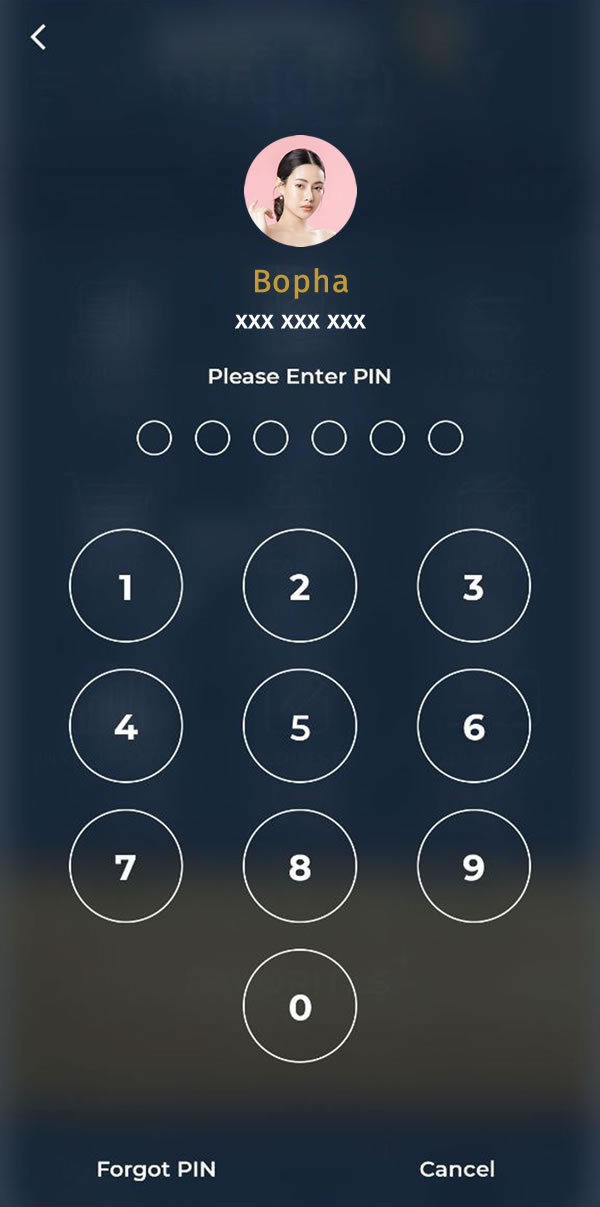
3. Use Touch ID, Facial, or enter PIN to login
4. Select "Financial & Investment"
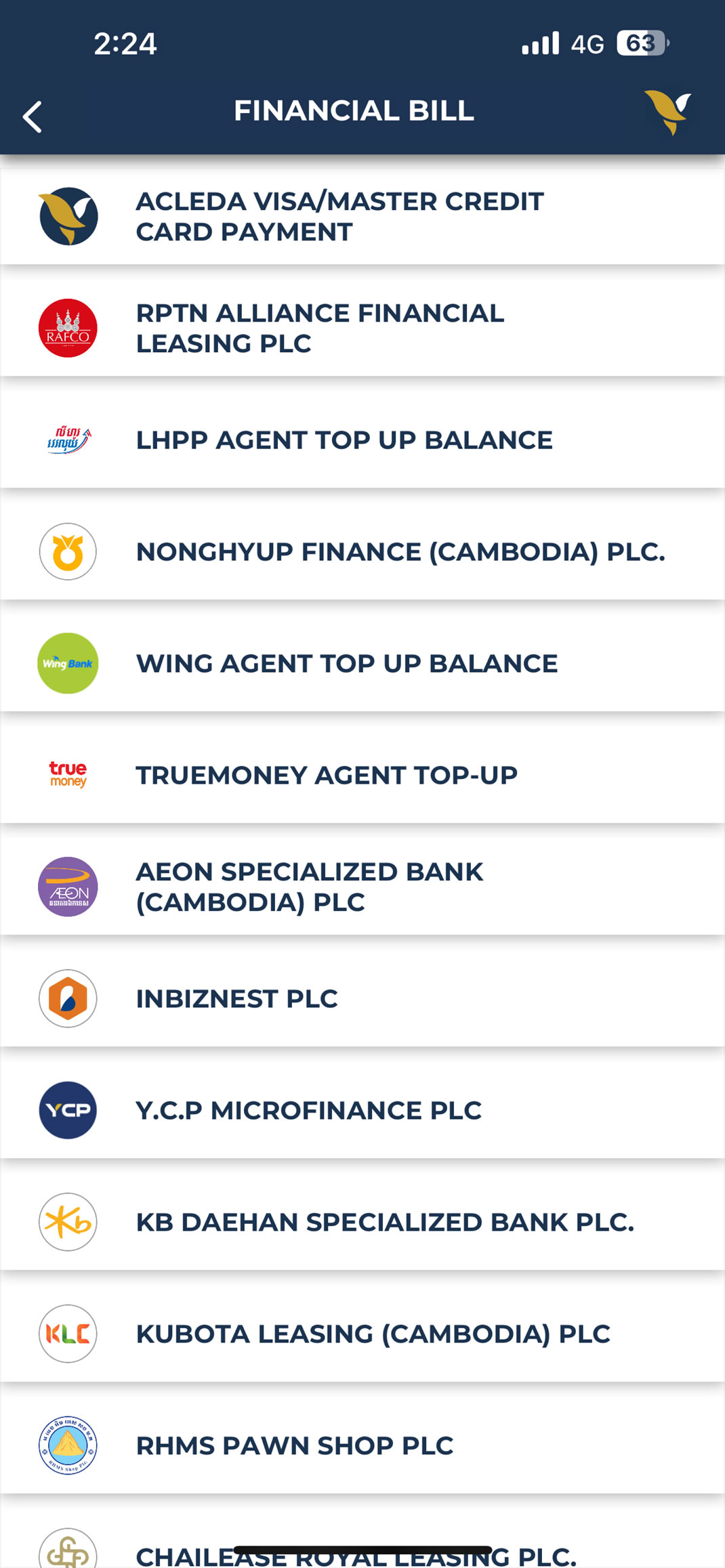
5. Choose financial institution
  1. 6.1. Enter payment information (select debit account, input agreement no., and payment amount)
  2. 6.2. Choose "OK" button
  1. 7.1. Verify your payment information
  2. 7.2. Choose "CONFIRM" button
8. Your payment was completed