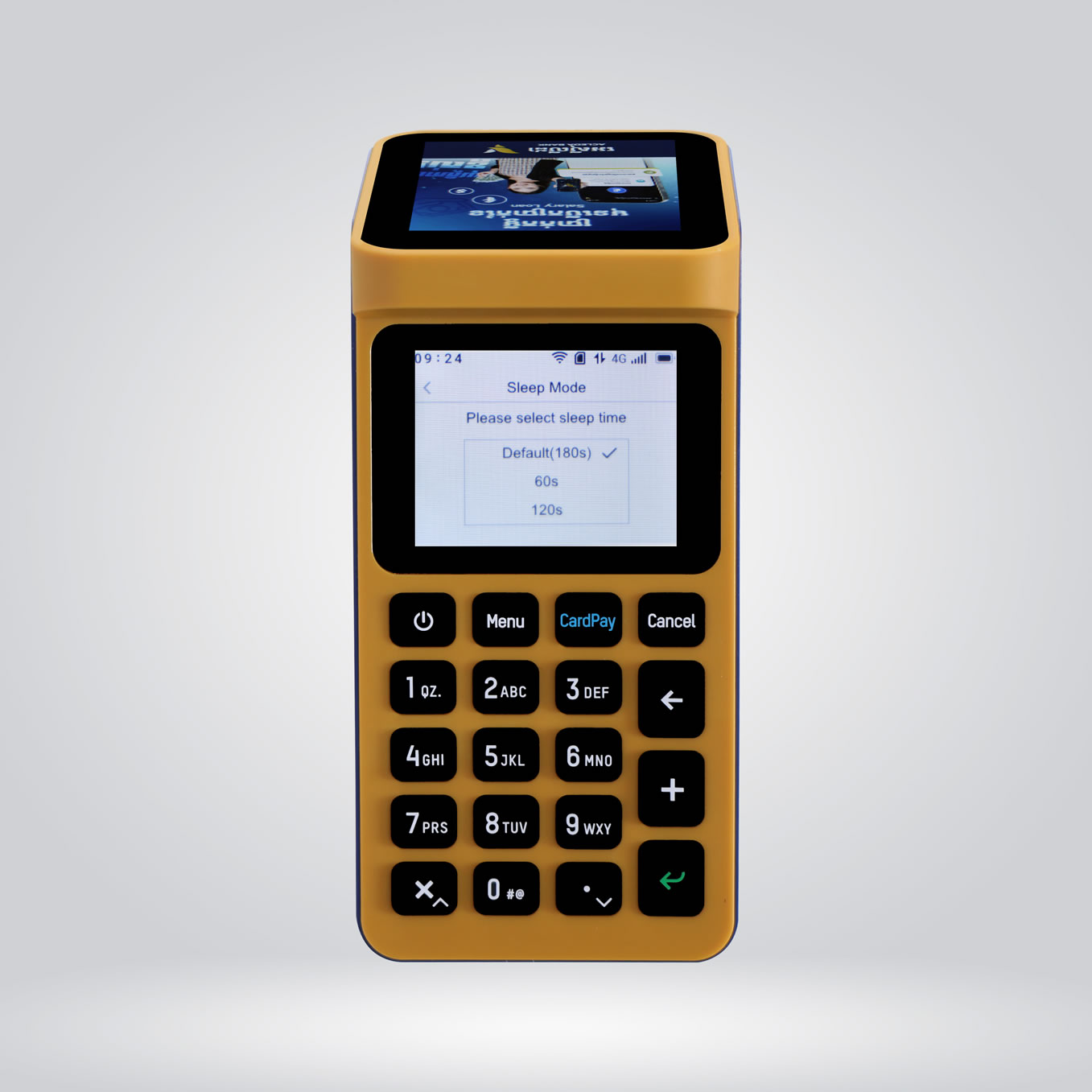
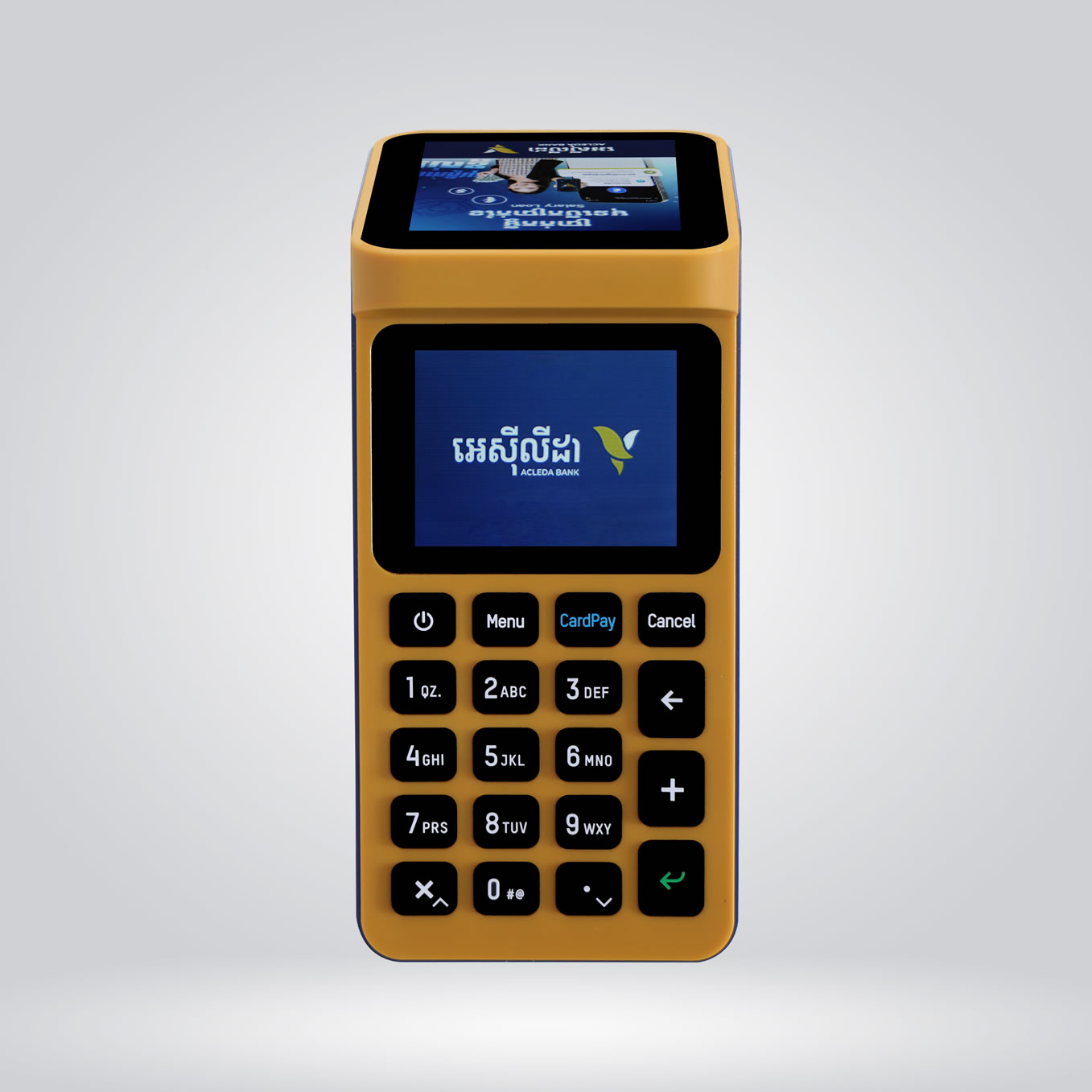
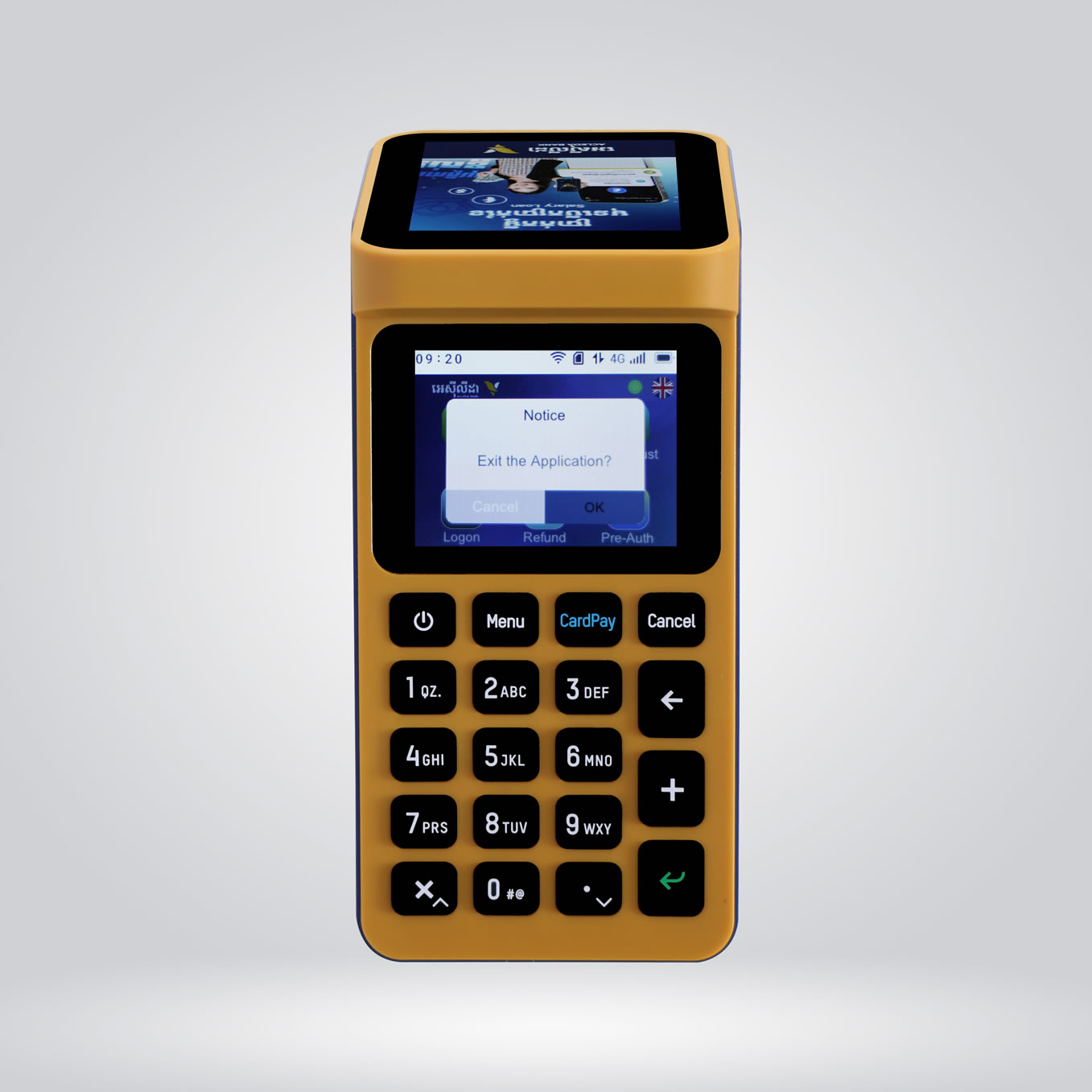
| Button | Description |
|---|---|
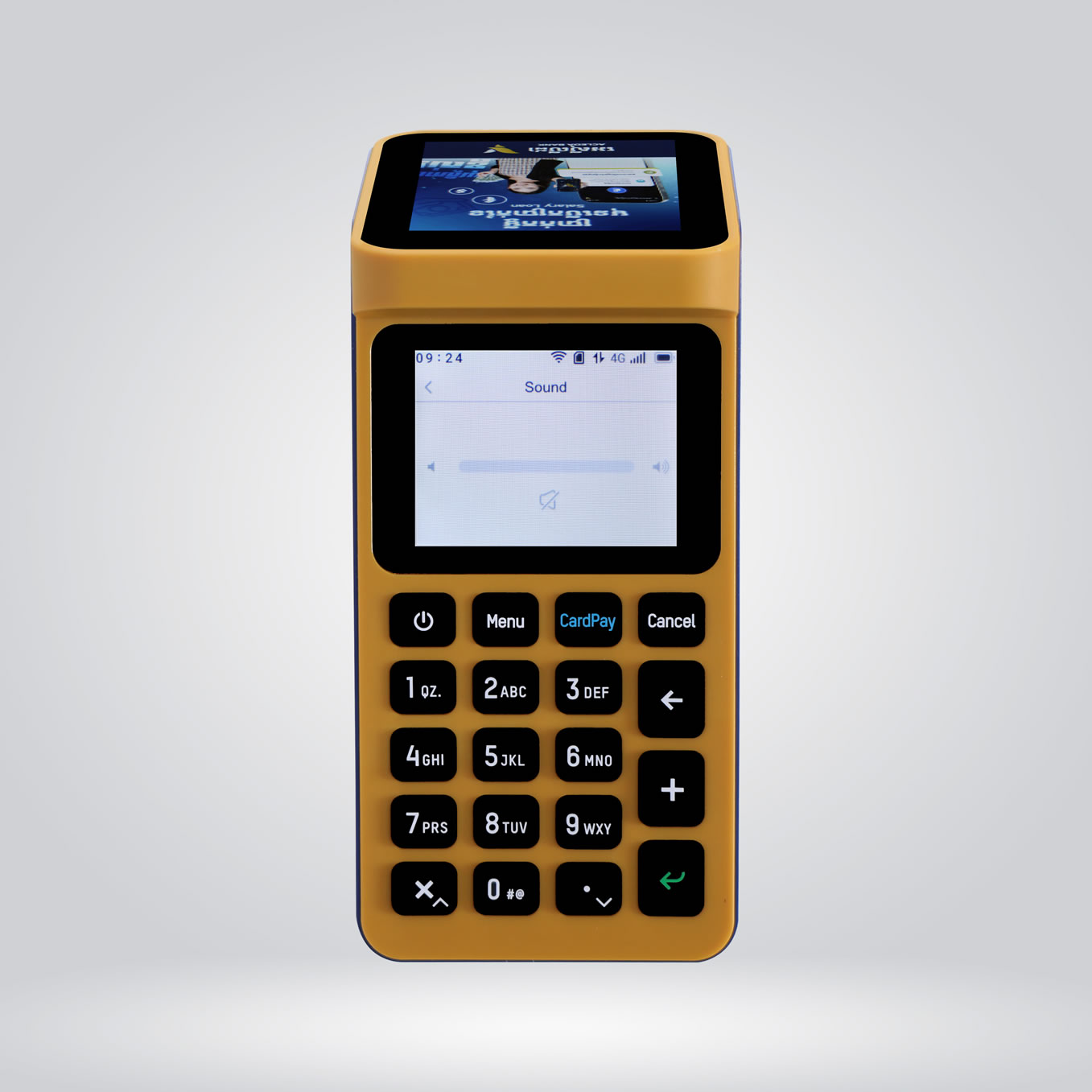
| power_settings_new | Turn on/off machine |
| CardPay | Show "KHQR" |
| Cancel | Delete or exit any function |
| arrow_back | Delete number when inputting payment amount |
| Numbers 0-9 | Input payment amount. If pressing the second or third time, the following letters will be displayed |
| keyboard_arrow_upkeyboard_arrow_down | Scroll up/down to select objects |
| keyboard_return | Enter the selection |
Turn On SmartPay: Press and hold power_settings_new for about two seconds until you see ACLEDA logo.
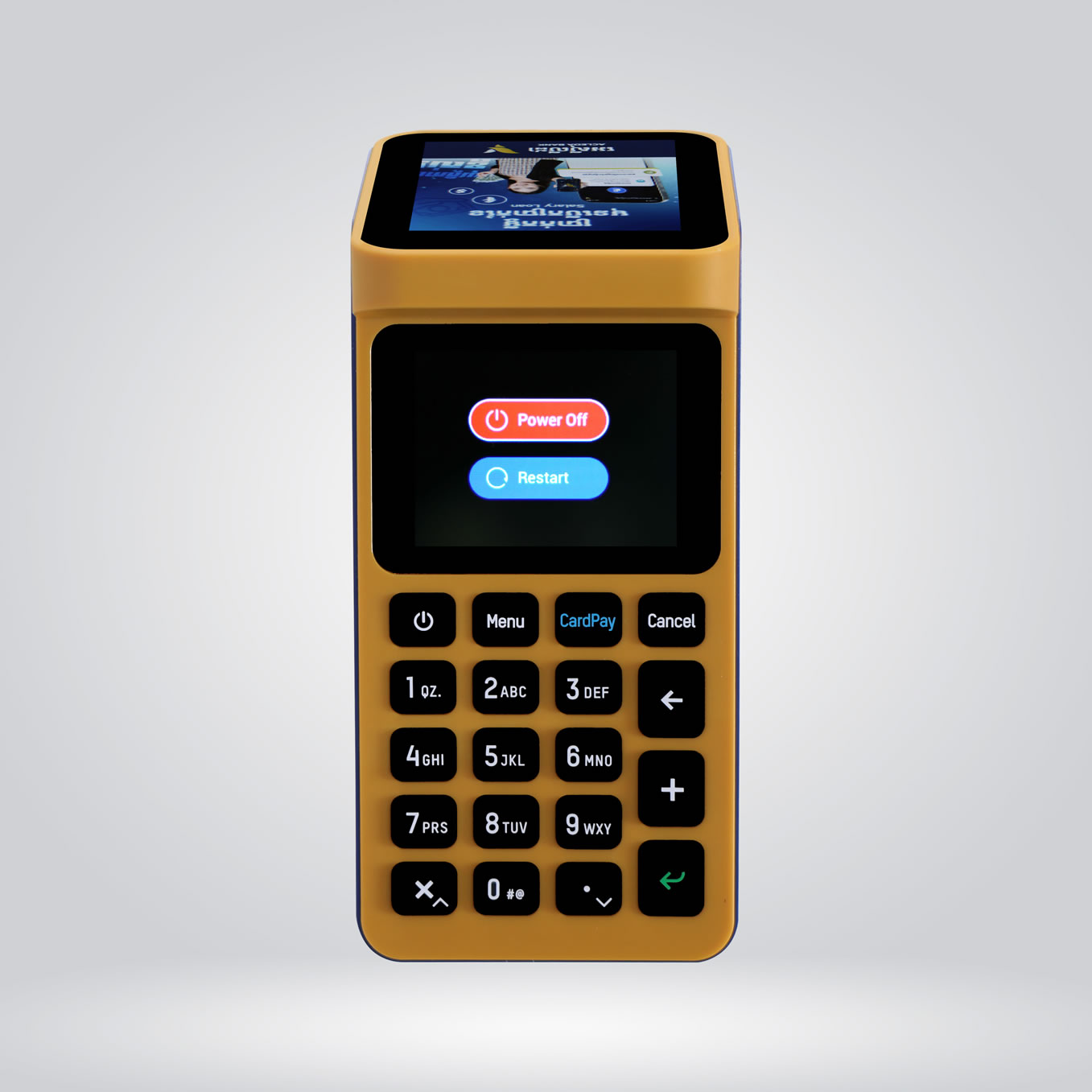
Turn Off SmartPay:
Restart SmartPay when it crashes or is not working properly:
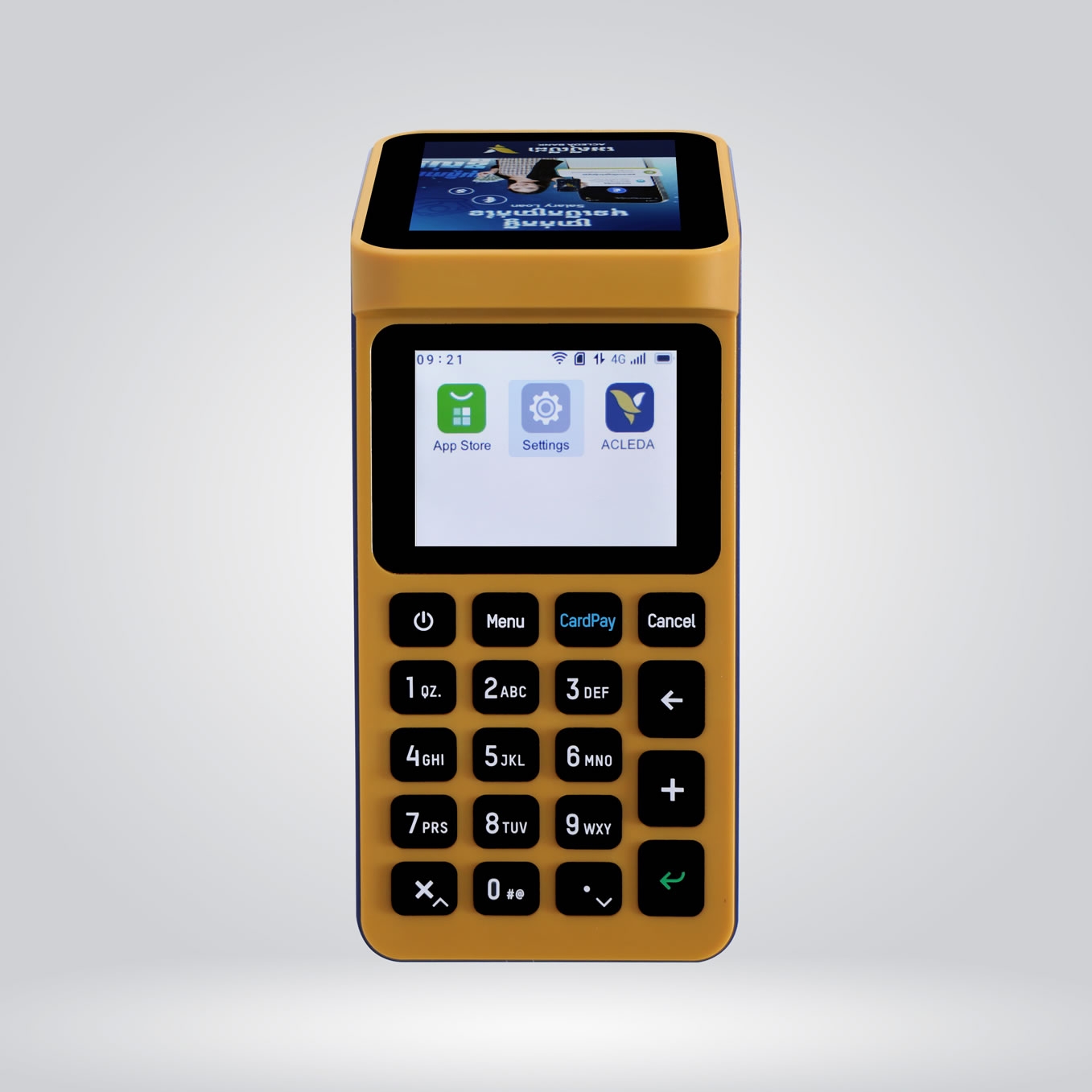
The bank will install/download the ACLEDA App for using in SmartPay.
To update "ACLEDA App":
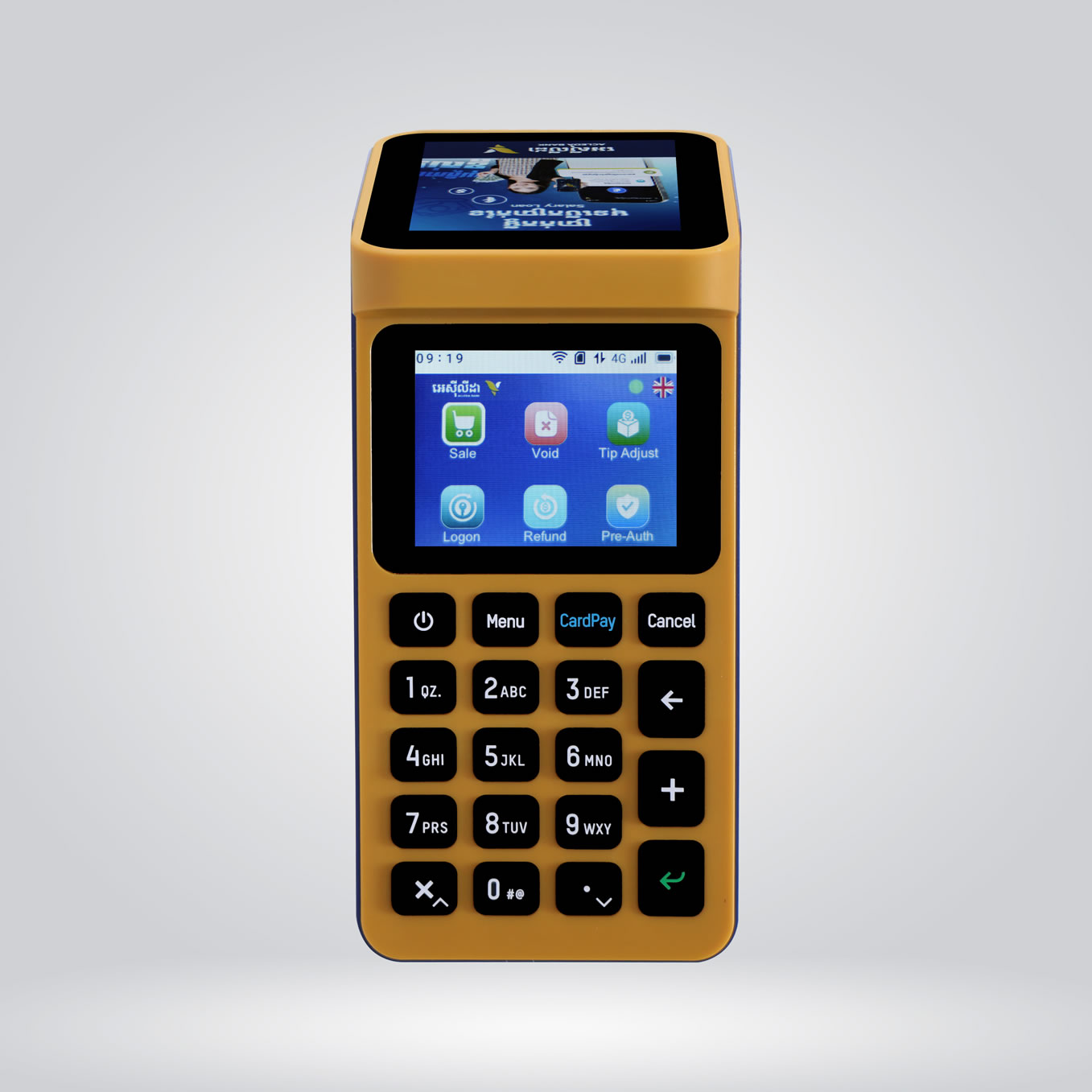
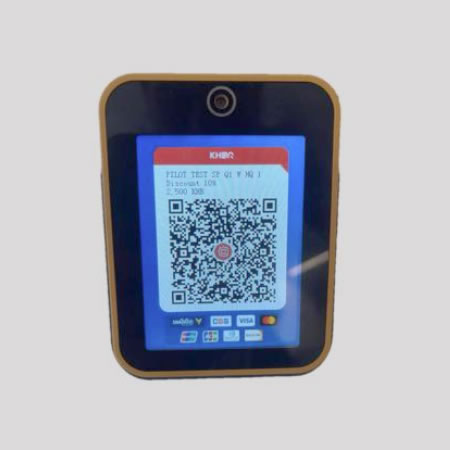
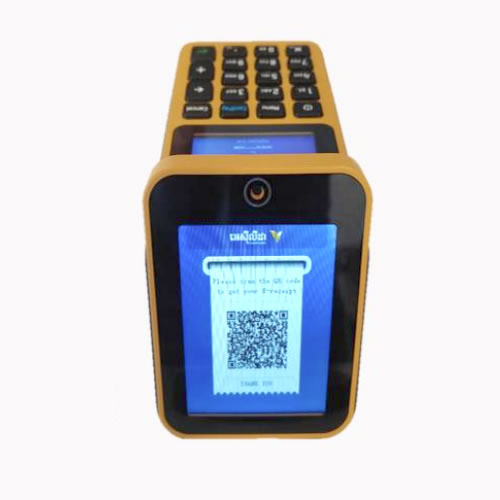
KHQR display: To receive payments from all banks.
Sale menu: To set payment amount via KHQR and card.
Void menu: To cancel card transaction that has not been settled during the day.
Refund menu: For card transactions that have already been settled.
Pre-Auth menu: To block/freeze the amount on card transaction.
Pre-Auth Completion menu: To approve transaction that has blocked/frozen amount on card (all or part).
Tip Adjustment menu: To give tips for card payment that has not yet been settled.
Settlement menu: To close batch operation (one shift or daily) and send data to core bank system. It must be done at least once a day.
Balance Inquiry menu: To check CSS card balance in Khmer Riel.
Print menu: To print last transaction/one transaction (both card and KHQR).
Logon menu: To confirm or refresh connection.
Profile menu: To view mechant information or change voice language when receiving money in Khmer, English, or Chinese.
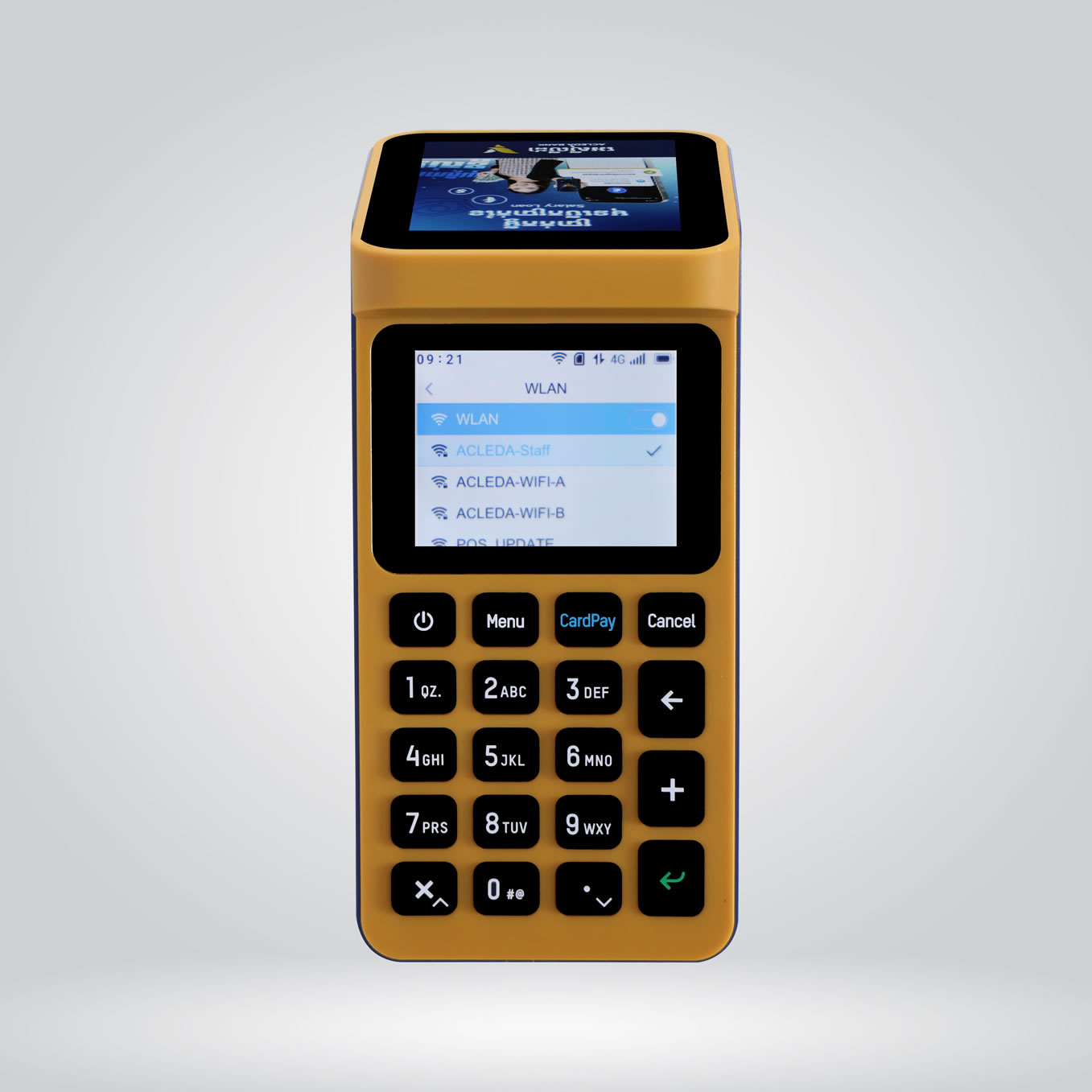
WLAN menu: to connect WiFi if not using SIM card.
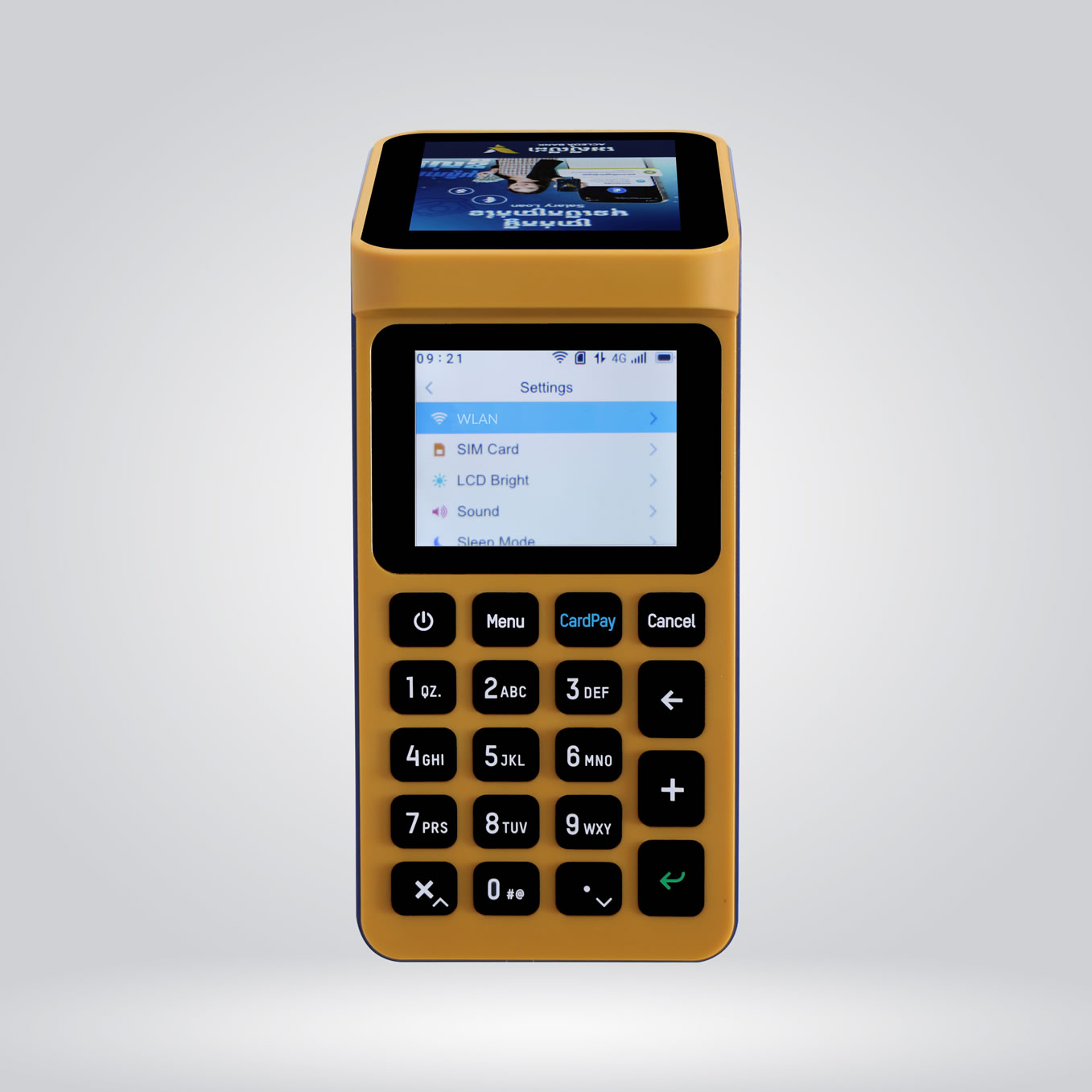
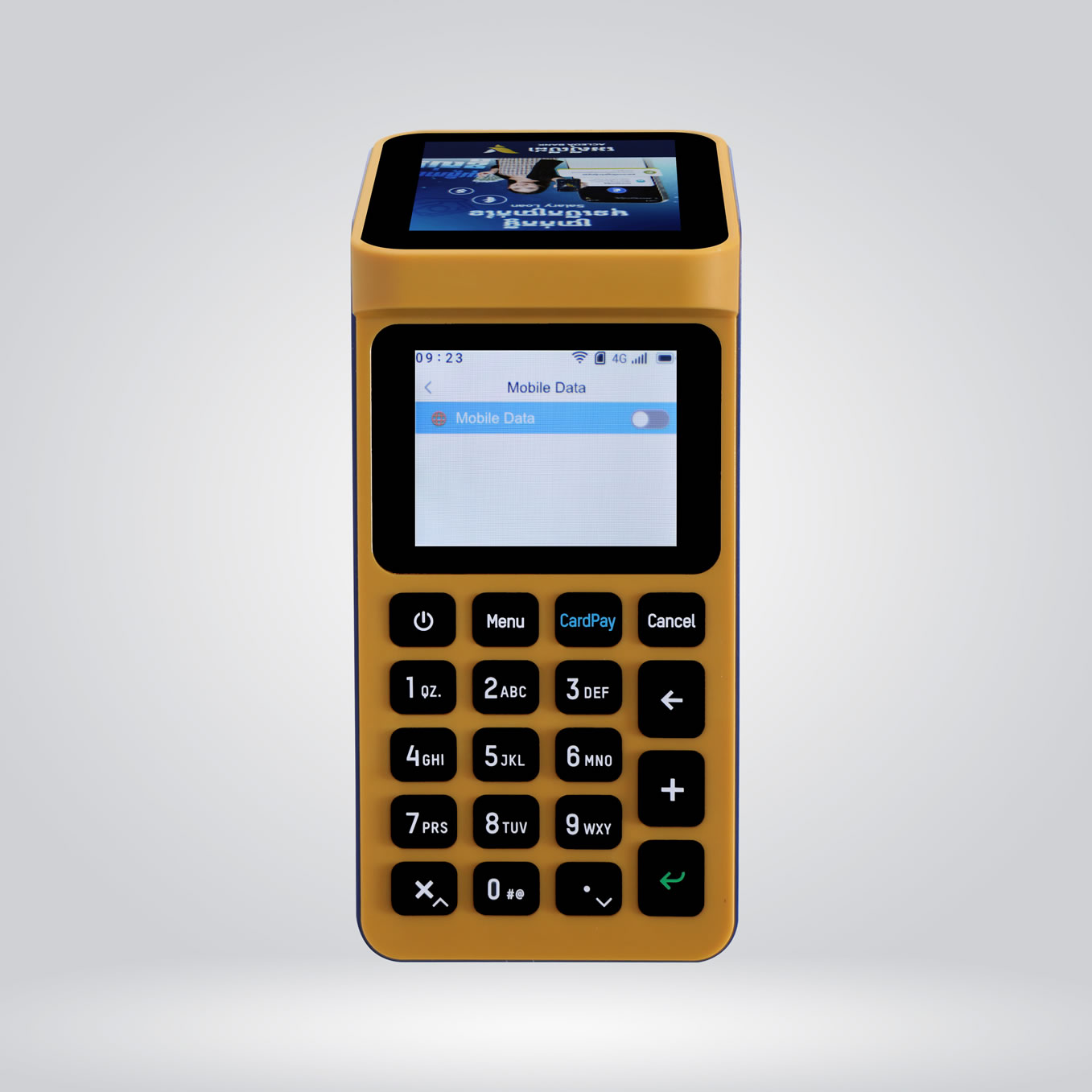
SIM Card menu: to enable/disable mobile data/internet
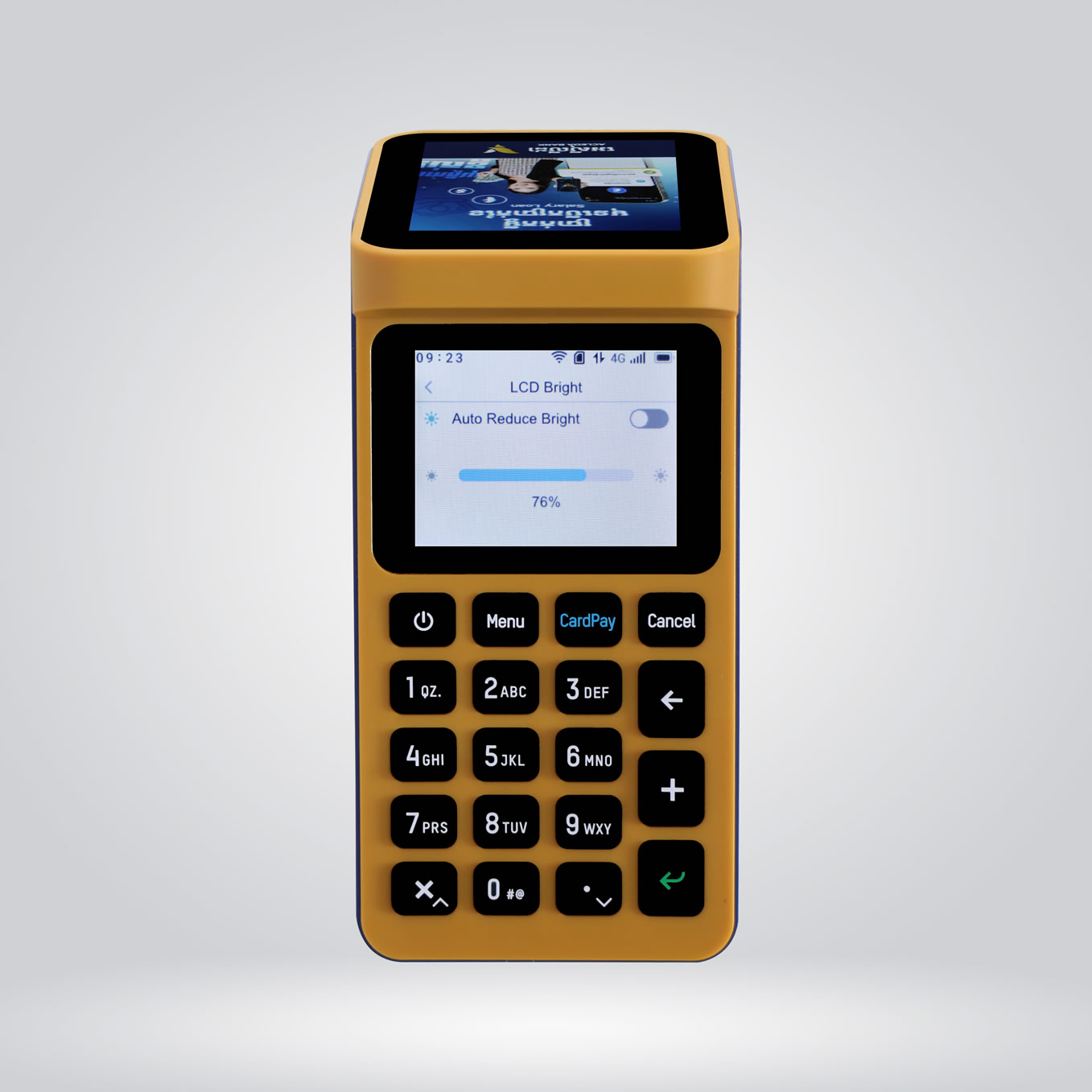
LED Bright menu: to increase/decrease screen bright
Sound Volume:
Sleep Mode menu: