



How to deposit/transfer to trading account in CSX Trade
verifiedNow investors can deposit or transfer funds between trading accounts on the CSX Trade app through ACLEDA Super App or by scanning ACLEDA KHQR easily and securely.
 |
 |
 |
 |
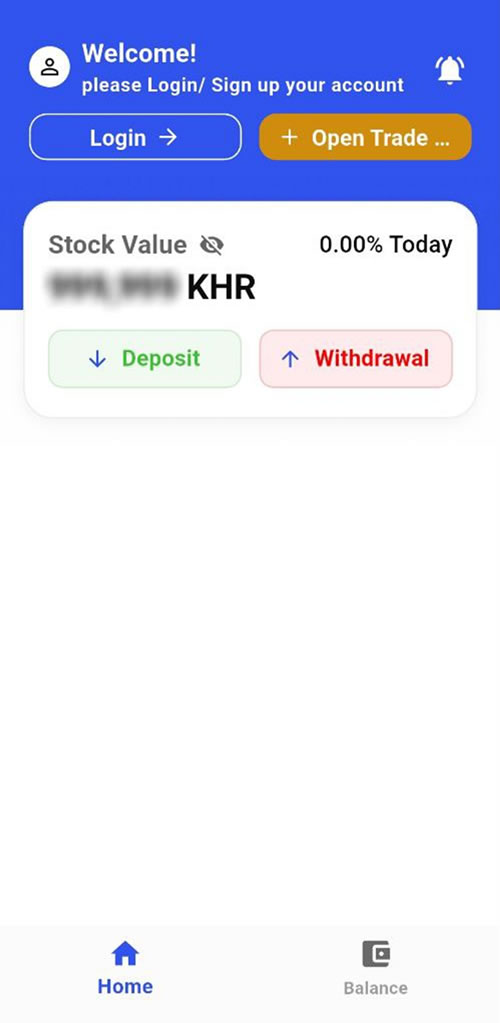
- Open CSX Trade app
- Choose "Deposit"
- Select broker then input username and password
- Press "Login"
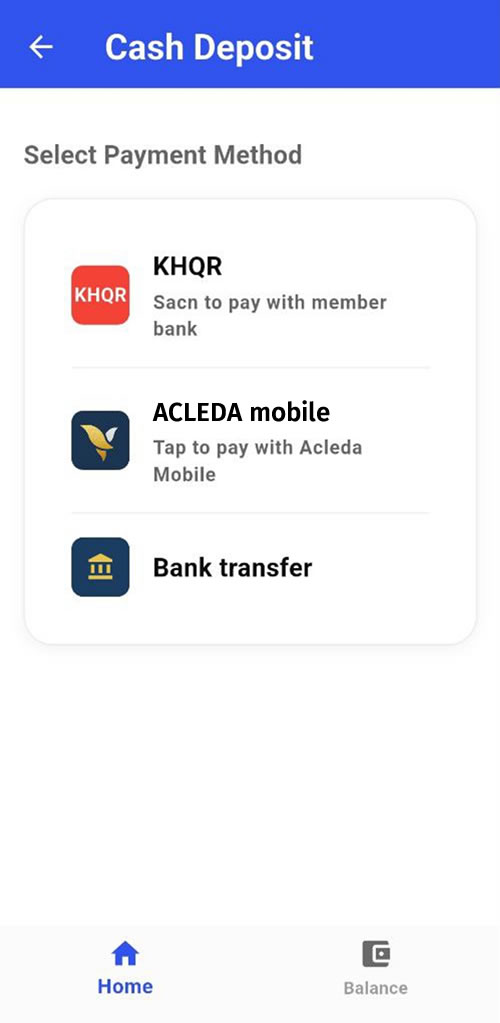
- Choose payment method (KHQR, ACLEDA mobile, Bank transfer)
- KHQR
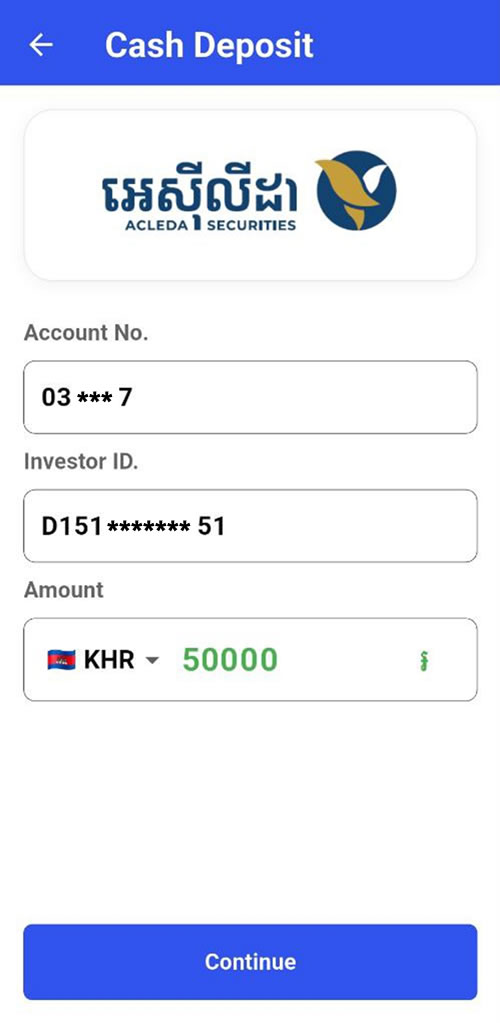
- Input payment amount and press "Continue"
- Please scan this KHQR through ACLEDA mobile super app or other bank app to deposit in your trading account
- ACLEDA mobile
- Input payment amount and press "Continue"
- Use Touch ID, Facial, or enter PIN to login ACLEDA mobile super app
- Choose debit account and press "OK"
- Verify your transaction and press "Confirm"
- Bank transfer
- The system will open ACLEDA mobile super app
- Use Touch ID, Facial, or enter PIN to login
- Choose debit account, input trading account, input transfer amount and then press "OK"
- Verify your transaction and press "Confirm"