How to buy Metfone eSIM
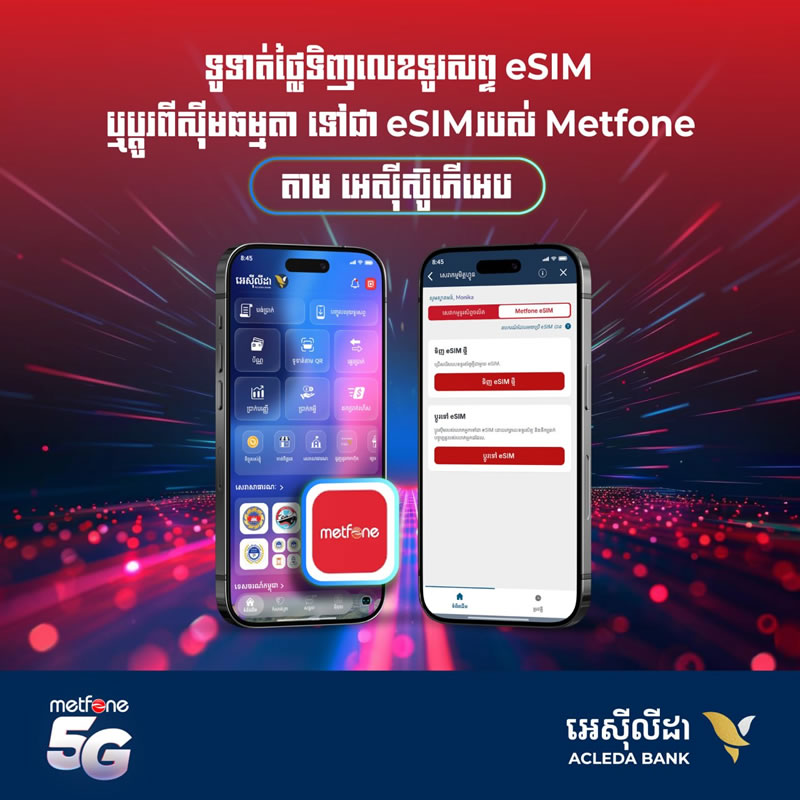
- Open ACLEDA Super App
- Choose "Other Services"
- Choose "Metfone Services"
- Use Touch ID, Facial, or enter PIN to login
- Please read terms and condisitons then press "Accept"
- Choose "Metfone eSIM"
- Choose "Change to eSIM"
- Enter your phone number that you want to change to eSIM
- Press "Next"
- Please take photo of your ID card and your face and then press "Continue"
- Press "Pay US$1"
- Choose debit account and press "OK"
- Press "Confirm"
- Press "View eSIM QR" to get QR code to activate your phone number