



How to enable amount sound alert
verifiedNew Voice Alerts for Cash In & Cash Out! ACLEDA Super App now can alert voice of incoming and outgoing transaction amounts — making payments even more convenient for all App users and Merchants.
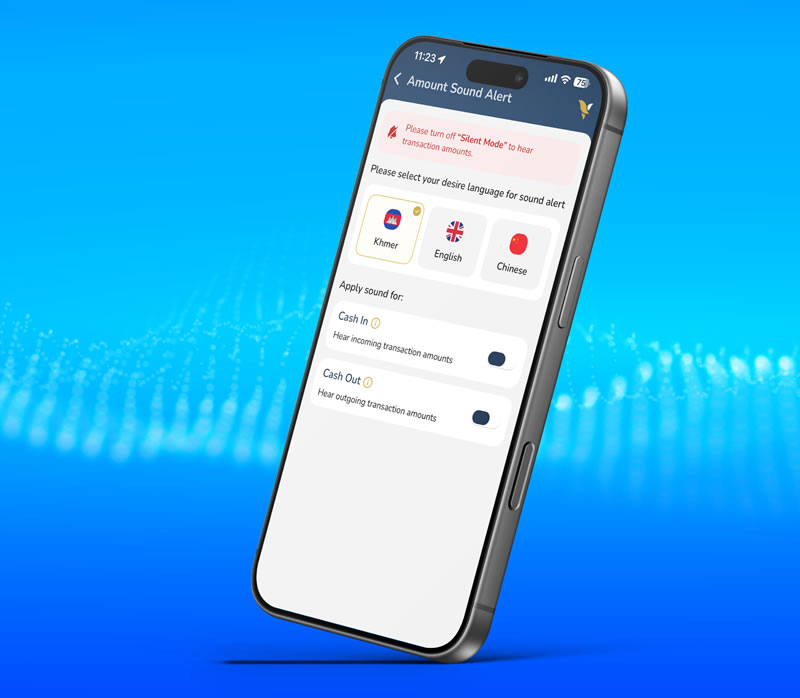
- Open "ACLEDA Super App"
- Tap "Menu" at the bottom right corner
- Tap "Settings"
- Select "Amount Sound Alert" function
- Use Touch ID, Facial, or enter PIN to login
- Choose your preferred language (Khmer, English, or Chinese)
- Enable alerts for incoming and outgoing transactions.
*** Note: Please turn on the sound on your phone (Silent Mode OFF) to hear the voice alert for incoming transaction.