



How to update new ID card on bank account
verifiedUpdate your new ID card on bank account (having 14-digit numbers) in ACLEDA Super App to continue using all types of banking services smoothly.
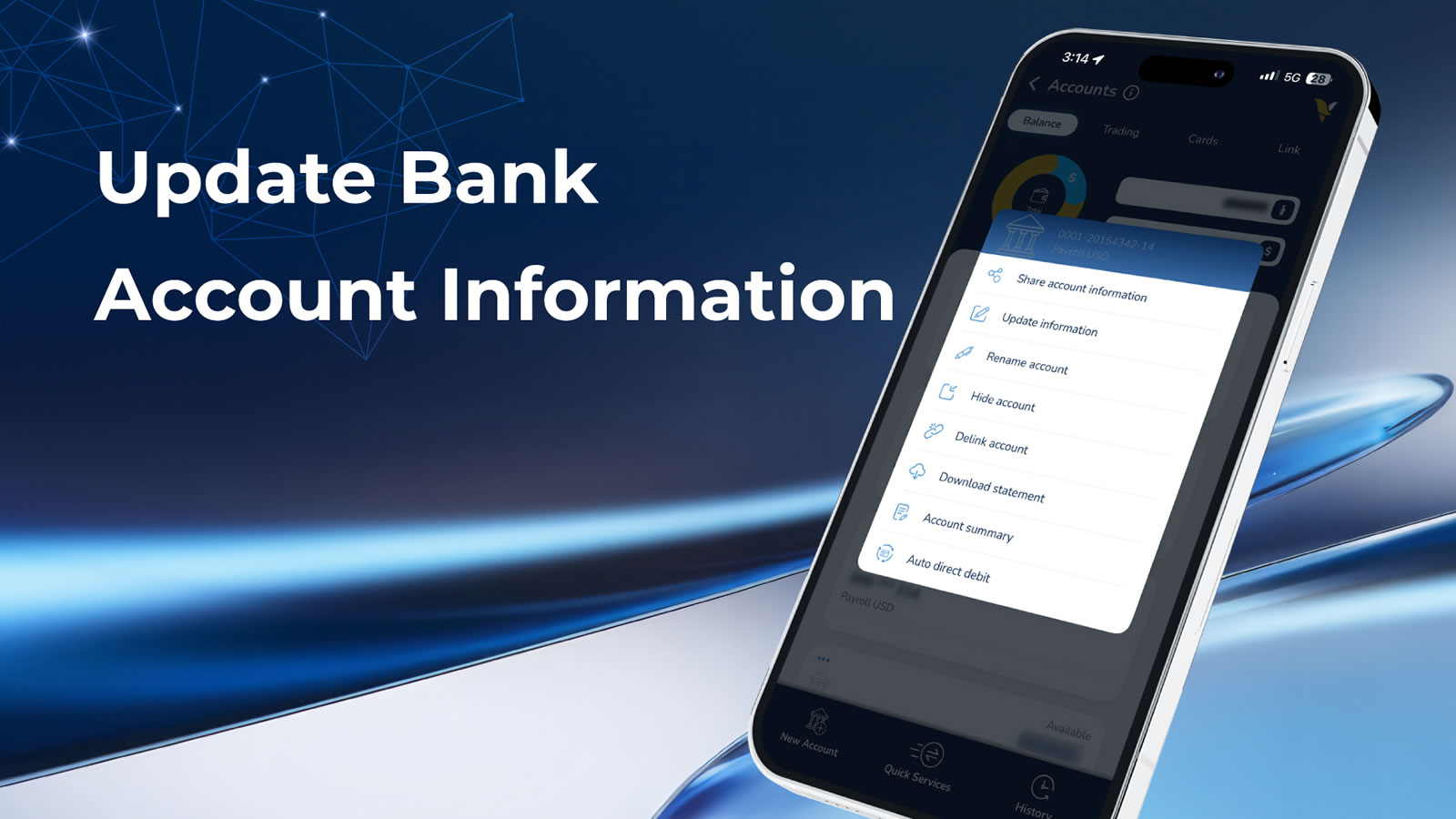
If your identification document/ID card on bank account has expired, the bank will send a push notification on ACLEDA Super App. Please click on the notification to update your new ID card or follow the steps below:
- Open "ACLEDA Super App"
- Press "Accounts"
- Use Touch ID, Facial, or enter PIN to login
- Press the three dots (more_horiz) on the bank account you want to update information
- Choose "Update information"
- Please check and update your new ID card
- Press "Submit"
- The update is complete, please wait for the bank officer to review and approve