close
language
ភាសាខ្មែរ
English
中文
Retail Banking
How to view term deposit list
Login
ACLEDA Internet Banking
Press "
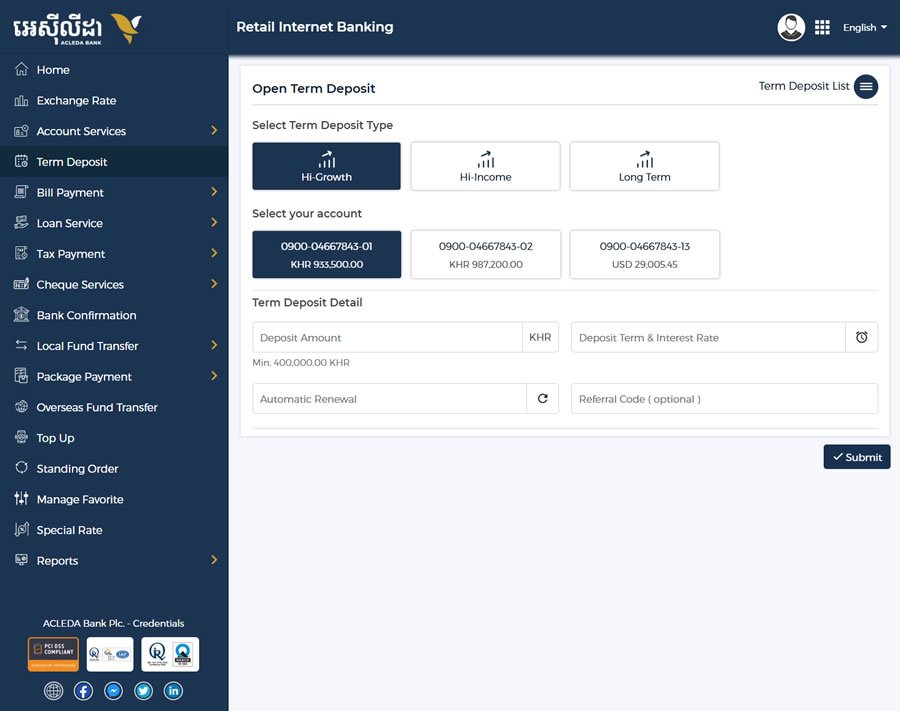
Home
" menu
Choose "
Term Deposit
" menu
Select "
Term Deposit List
" on the top right corner
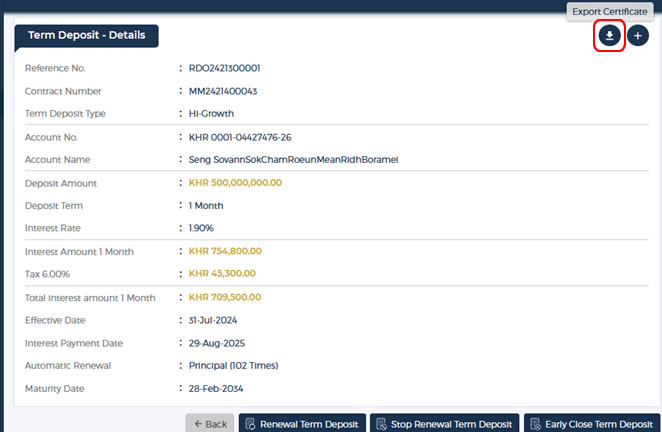
Select your term deposit and press icon at the right
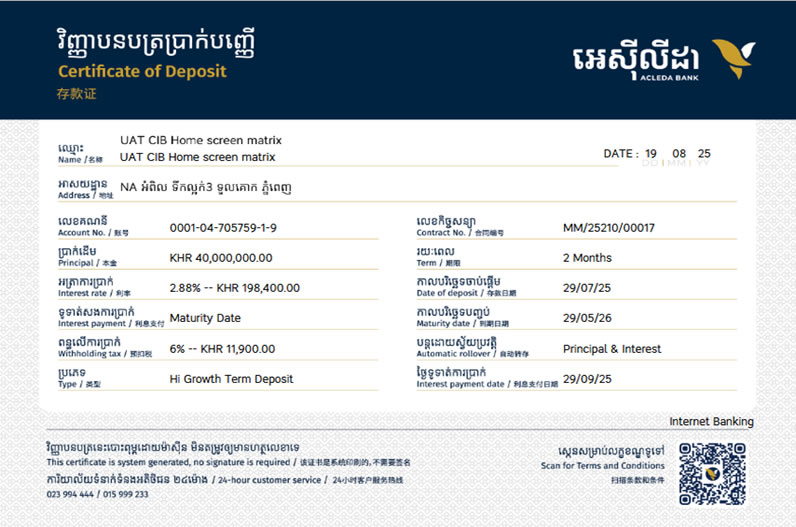
Click button on the top right to download the Certificate of Deposit

 ភាសាខ្មែរ
 English
 中文
中文