



How to scan face verification
verifiedFace verification feature on ACLEDA Super App! Add more security to protect your accounts. This function works when you Forget PIN or change new phone or install/active ACLEDA Super App.
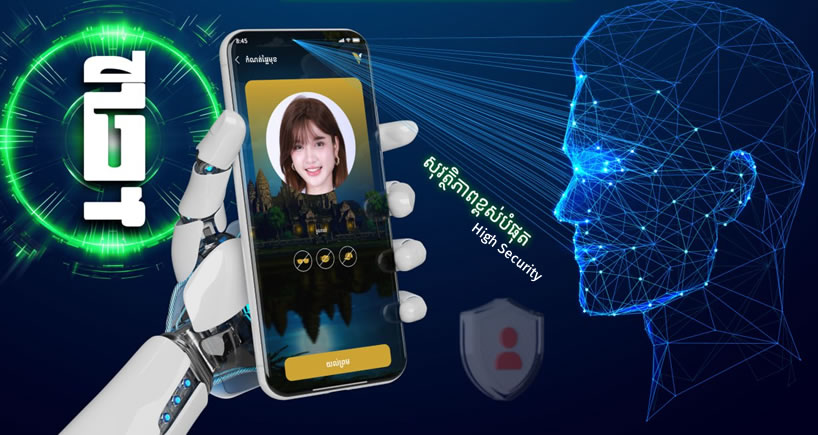
- Open ACLEDA Super App
- Press "Menu" (bottom right corner)
- Press "Settings"
- Select "My Face"
- Use Touch ID, Facial, or enter PIN to login
- Scan your face and press "OK"